"Sora2 Frame Splitter": A Free, Open-Source Tool for Using Sora2-Generated Videos for Cut Editing!

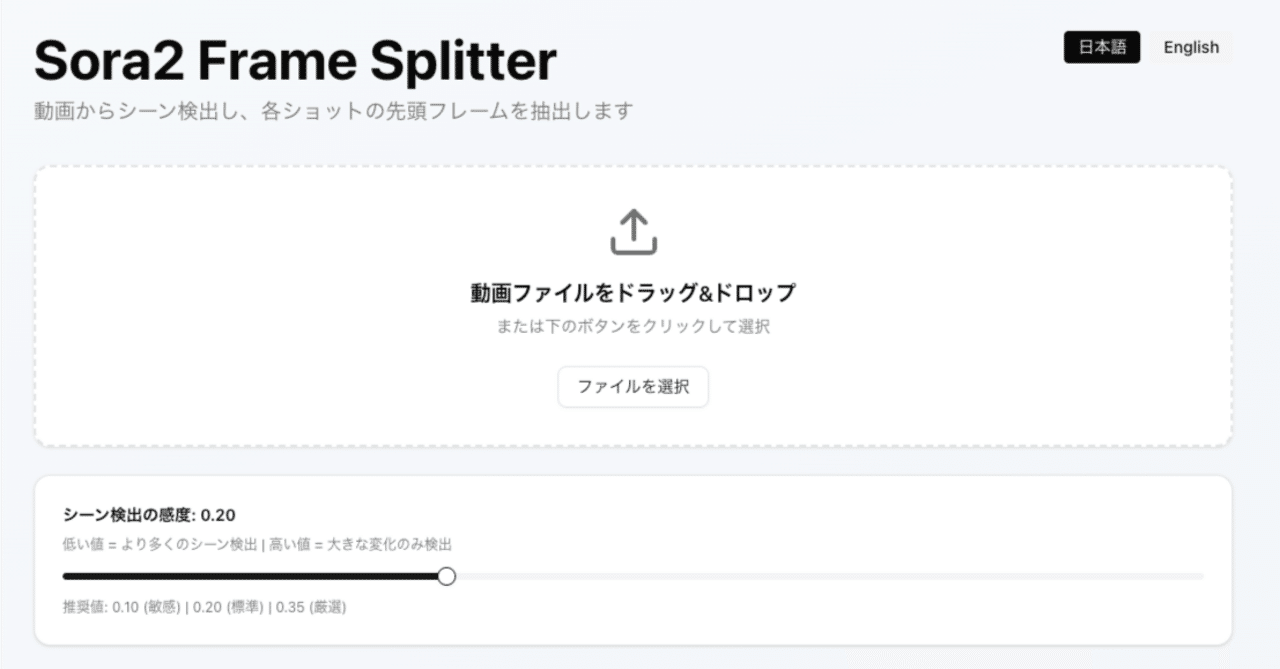
"Sora2 Frame Splitter" is a tool to use Sora2 generated videos for cut editing, and it's free and open source!
From the editors: We received permission from Mr. yachimat (@yachimat_manga)
This article introduces a tool developed by AI anime creator Mr. yachimat to dramatically streamline his production workflow, and the workflow itself. It started with Mr. yachimat's post on X (formerly Twitter).
I tried making a tool to extract Sora2's cuts in bulk
After all, Sora2's cut editing is excellent. Recently, I've been doing i2v with this to other AIs, but frame extraction is subtly troublesome. So, I made and use a tool to automatically extract frames
If there is demand, I will properly prepare and publish it... pic.twitter.com/kaR6uGPa2i
— yachimat - AI Short Anime (@yachimat_manga)
Loading tweet component...
?ref_src=twsrc%5Etfw">October 24, 2025AICU editor Shirai Hakase (X@o_ob) noticed this innovative tool and offered to introduce it, and Mr. yachimat kindly gave permission.
I might want to introduce it on AICU
— Dr.(Shirai)Hakase - Shirai Hakase (@o_ob)
Loading tweet component...
?ref_src=twsrc%5Etfw">October 26, 2025Please do!
— yachimat - AI Short Anime (@yachimat_manga)
Loading tweet component...
?ref_src=twsrc%5Etfw">October 26, 2025AICU is a community magazine for AI creators that "creates creators."
From here, we will reconfigure and deliver (with permission) an explanation of the new video production workflow in the Sora2 era by Mr. yachimat himself.
The appearance of Sora2 was shocking. Overwhelming composition sense, natural camera work, and "persuasiveness as a video." However, when actually trying to create a "work," many creators run into walls.
12-second limitation
High cost (API costs over 500 yen for 12 seconds)
Difficulty in partial modification
"Amazing but difficult to use." The idea of AI "division of labor" solves this dilemma.
This article introduces a tool that treats Sora2 as a "cut editing/composition generation tool" and collaborates with other video generation AIs to quickly produce long-form videos. Moreover, this tool runs in the browser and is open source.
Sora2's true value lies in "cut editing"
What Sora2 changed was not just "movement." It jumped over camera work and composition design, which AI had previously been poor at, all at once.
Despite being text2video generated by Sora2 with "leave it to us," if you devise prompts, the camera approaches, pulls back, and revolves. The lighting moves naturally, and you can even feel the rhythm of the cuts. The completion of this 12-second video has already surpassed the experimental stage. However, as mentioned above, a story cannot be made in 12 seconds, and it is difficult to connect it as a "work" due to cost and difficulty of modification. To overcome this challenge, the idea of dividing AI labor was necessary.
Building an "optimal workflow" that divides AI labor
There is a limit to the idea of "doing everything with a versatile AI." Rather, "using AIs in combination for each area of expertise" can produce stable, high-quality works much faster. Currently, the optimal route adopted by Mr. yachimat is as follows.
- Midjourney / Nanobanana (character reference creation) ↓
- Sora2 (composition/cut editing generation) ↓
- Homemade frame extraction tool (materialization) ↓
- Other video generation AIs (Vidu / Hailuo / Grok etc.) (length extension/modification)
Roles of each process
1. Nanobanana (character design): Create a "standard" to maintain character consistency.
2. Sora2 (director): Design the overall composition and camera work. Sora2 is responsible for the part that requires the most sense.
3. Homemade tool (materialization): Decompose Sora2's video into frames for each cut and turn them into "materials."
4. Other AI (Vidu / Hailuo / Grok etc.) (shooting team): Extend the length, lip-sync, and make partial modifications.
Using Sora2's sense as a skeleton, while fleshing it out and adjusting it with other AIs. This enables much faster and more flexible production than relying on a single AI.
Example
First, create a character sheet.
https://note.com/yachimat/n/nb81efb00aefc
https://note.com/yachimat/n/nb81efb00aefc
[Many examples] Get closer to god-level drawing with Sora2! Just one line of prompt https://note.com/yachimat/n/n23ce7ba0db5d
Fast cut editing, many drawings, 24fps
Editor's note: This prompt really makes it better. Sora2's fps is 30fps. In reality, you can also get the effect with "fast cut editing, scene changes every second," etc. Conversely, if you don't specify this, you may generate a "completely static video."
Next, use this reference as the starting image for Sora2 to generate a video.
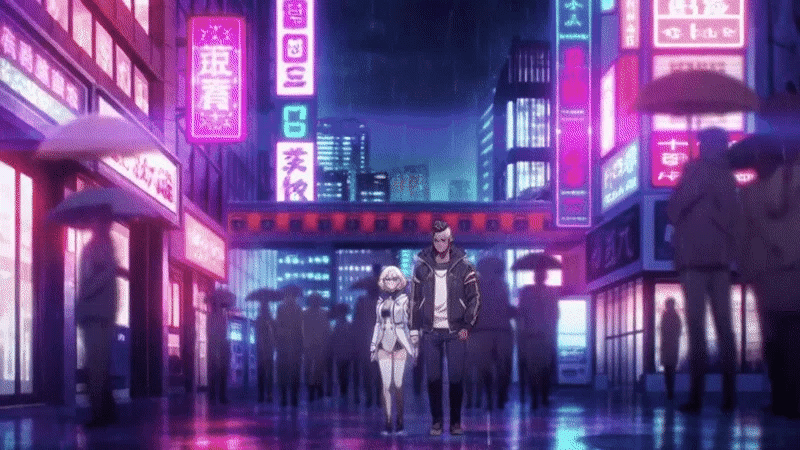
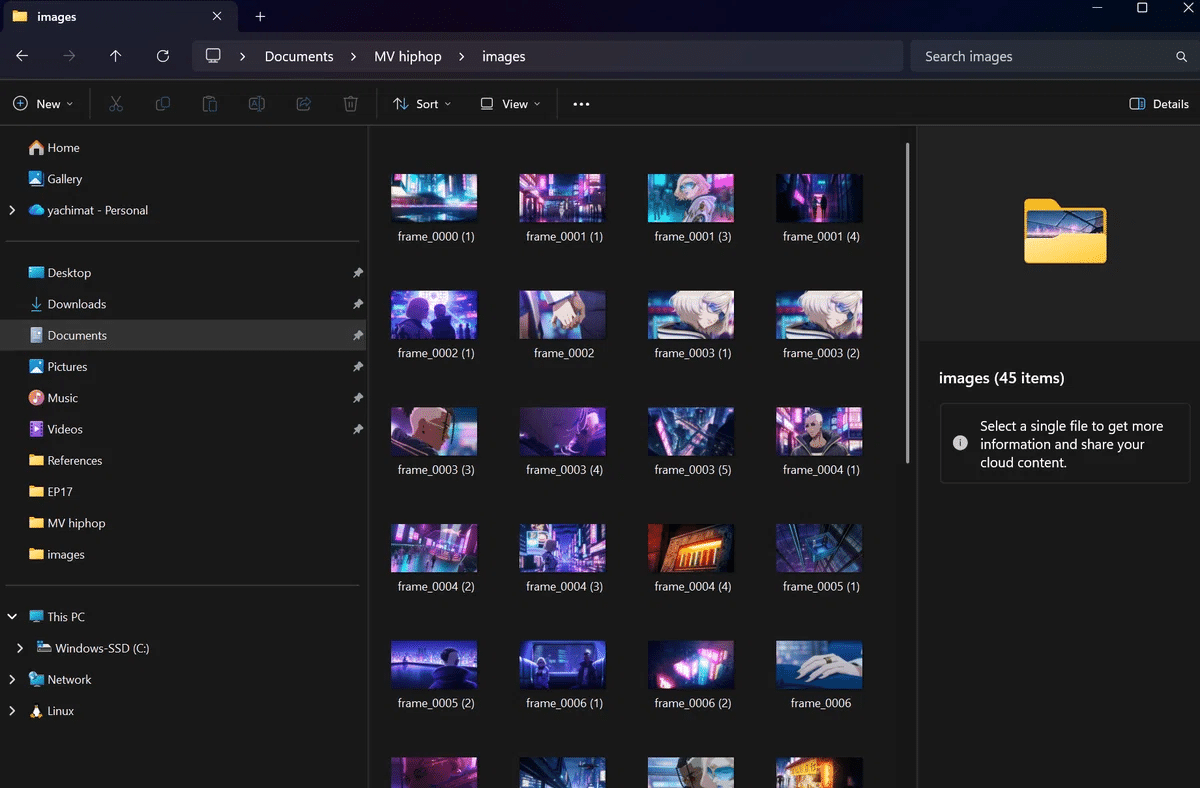
Extract the frames with the homemade tool.
Finally, use these frames to extend the length and generate the necessary cuts with Grok or Vidu, etc.
Video generation is 80% model selection! Model selection guide for AI anime production (Added 2025/8/15) https://note.com/yachimat/n/n6a37e3991d99
Biggest wall: Automating the troublesome "frame extraction"
There was also a major problem with this workflow. That is "frame extraction." Decomposing the 12-second video generated by Sora2 into frames for each cut. This simple task was the most troublesome and time-consuming process. Existing tools are slow to operate, or it is difficult to extract by cut. No matter how much AI evolves, this one point clogs the entire workflow. So, Mr. yachimat made it himself.
Tool overview: Sora2 Frame Splitter
Sora2 Frame Splitter https://sora2-frame-splitter.vercel.app/
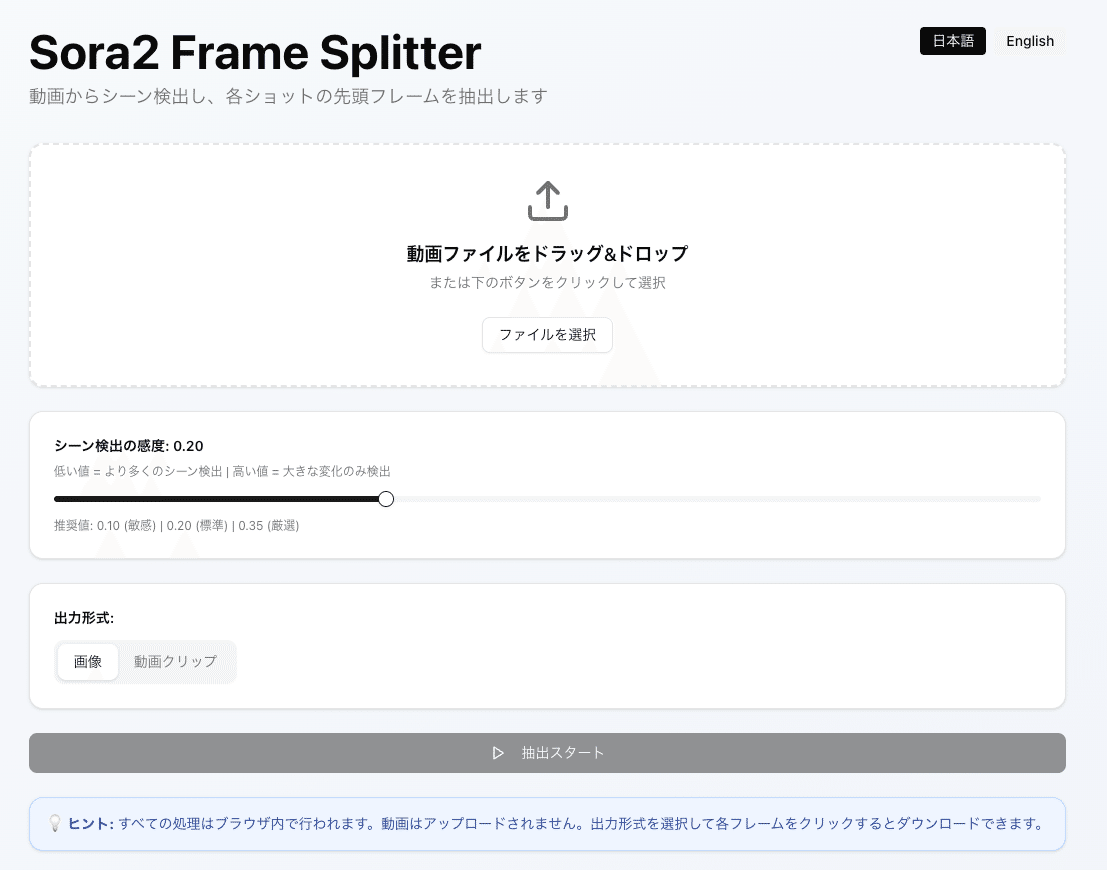
This tool automatically extracts the main frames of all cuts in seconds and outputs them to a folder just by dragging and dropping a video file.
Main functions:
Automatic detection of cut change points
Extract representative frames for each cut
One-click save
Once you try it, you will feel that "that tedious manual work is no longer necessary."
How to use it (super simple)
Upload the video
Click the "Extract" button
All frames are output to a folder in seconds
This allows you to handle Sora2's excellent cut editing as "materials" in frame units.
👉 GitHub repository here https://github.com/yazoo1220/sora2-frame-splitter
"Feel free to steal it. Modifications are also welcome" So, I tried analyzing the source code.
Sora2-frame-splitter source explanation
Sora2 Frame Splitter automatically extracts the main frames of each cut and saves them in a ZIP file just by dragging and dropping a video and pressing "Extract." All processing is done safely in the browser.
How to use: ① Upload video → Adjust with sensitivity slider (recommended 0.20) → Extract → Click each frame to save or ZIP bulk download. ② In addition to images, you can also optionally export "video clips" of each cut range (FFmpeg.wasm).
Implementation verification (collation with source code)
In-browser processing/language switching
Multilingual text is defined in
lib/translations.ts:1. A note about in-browser completion is also specified (hint).Language switching is implemented with the
languagestate and button inapp/page.tsx:7, and text is reflected viatranslations(app/page.tsx:25).Detection of cut change points and extraction of main frames
The pixel difference algorithm is
calculateFrameDifferenceinlib/frame-difference.ts:7. The normalized average of RGB differences is accelerated by sampling (sampleRate=4).The extraction process is after
components/scene-detector.tsx:159.diff > thresholdis determined for eachframeIntervalwithfps=10(components/scene-detector.tsx:160), and the canvas is duplicated at the change point to create a representative frame (components/scene-detector.tsx:227-246).The initial value of the sensitivity slider is
threshold=0.2(components/scene-detector.tsx:34). The UI is provided by Radix Slider incomponents/ui/slider.tsx.Output (image/video)
Single save is
toBlob→ immediate save with<a download>(components/scene-detector.tsx:272-287).Bulk save generates a ZIP with JSZip (
components/scene-detector.tsx:349-377). The output name isextracted_frames.zip.Video clips are cut out with FFmpeg.wasm using
-ss -tafter lazy loading (components/scene-detector.tsx:297-346). The first time is loaded whenoutputFormat === "video"is selected (components/scene-detector.tsx:57-74).UI/operability
Drag & drop, file input, and error handling are
components/scene-detector.tsx:76-107.Hints, buttons, list previews, and other UIs are implemented at the bottom of the same file.
Testing and CI
Unit/component test: Jest + Testing Library (
jest.config.js). An example of verifying UI primitives iscomponents/**tests** /slider.test.tsx.E2E: Check title display, language switching, slider display, extraction button status, etc. with Playwright (
e2e/app.spec.ts).CI: Run unit/component/E2E/build on GitHub Actions in
.github/workflows/test.yml. Node 20 and npm are used. Vercel also specifies npm (vercel.json).From the above, the claims in the article (in-browser completion, main frame extraction by cut detection, ZIP batch output, video clip cutout, simple operation, language switching, CI maintenance) are consistent with the implementation.
Development memo (as open source)
Technology stack: Next.js 16 / React 19 / TypeScript / Tailwind / Radix UI.
Requirements: Node 18+ (
enginesinpackage.json). Local isnpm run dev.License: MIT (specified in
README.md). Modifications are welcome.Summary and links
The division of labor workflow, which uses Sora2's "scene composition power" as a skeleton and fleshes it out with other AIs, is practical. This tool eliminates the bottleneck of "frame extraction" in seconds and accelerates production. In particular, the Sora2 app version can be generated for free, and it can also be linked with tools that use the API with spreadsheets + GAS, such as "Sora2Gen," which AICU has already released.
Run Sora2 with Google Spreadsheets! Management tool to streamline video production [Sora2Gen] Pre-release! OpenAI's groundbreaking video generation AI "Sora2" API has been released, allowing anyone to generate high-quality videos from programs www.aicu.jp
Furthermore, the fact that it is relatively unaffected by service suspensions or modifications regarding Sora2's copyright, which will become a problem in the future, is also considered to be forward-looking.
AICU is a community magazine for AI creators that "creates creators." We will continue to support "creators"! As a thank you for your contribution, we will send Mr. yachimat a tip.