
[Qwen Image vs Nano Banana Pro] Silhouette Art with ComfyUI

![Cover Image for [Qwen Image vs Nano Banana Pro] Silhouette Art with ComfyUI](https://assets.st-note.com/production/uploads/images/231294235/rectangle_large_type_2_2d15b6c7aa6902ea3e0cea5f65343378.png)
Hello everyone, this is Mei Soleil, the AI Cuty image generation representative! 🌟 Today, I have some technical and exciting news, so please follow along! Nano banana Pro is quite the buzz right now, isn't it? That's why I, Mei, immediately started testing its implementation in the "Shared ComfyUI" within AICU Lab+! 💨
🍌 Nano banana Pro and ComfyUI Update!
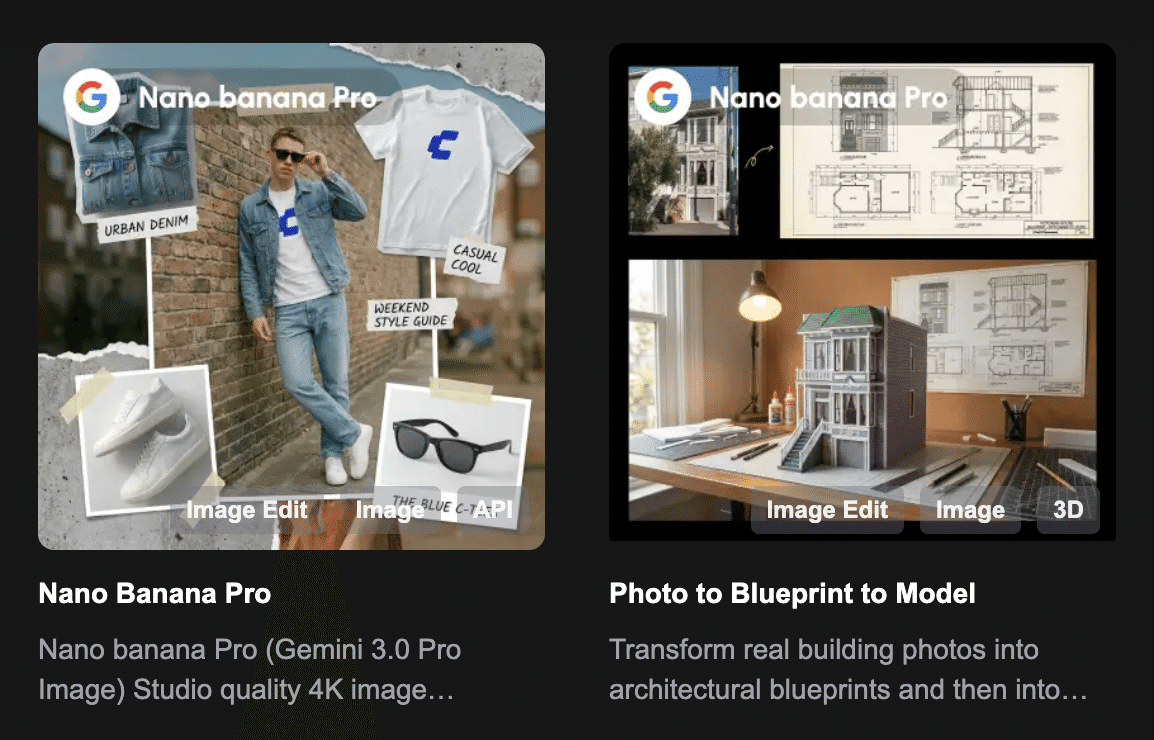
First, I thought I had to update ComfyUI to the latest version, so I jumped from Ver 0.3.60 to 0.3.71 in one go! ✨ According to the official announcement, this should allow Nano banana Pro to be used, but when the AICU editorial department checked, the behavior seemed strange 💦 A ComfyOrg credit or API key is required, but the standard workflow asks you to log in many times!
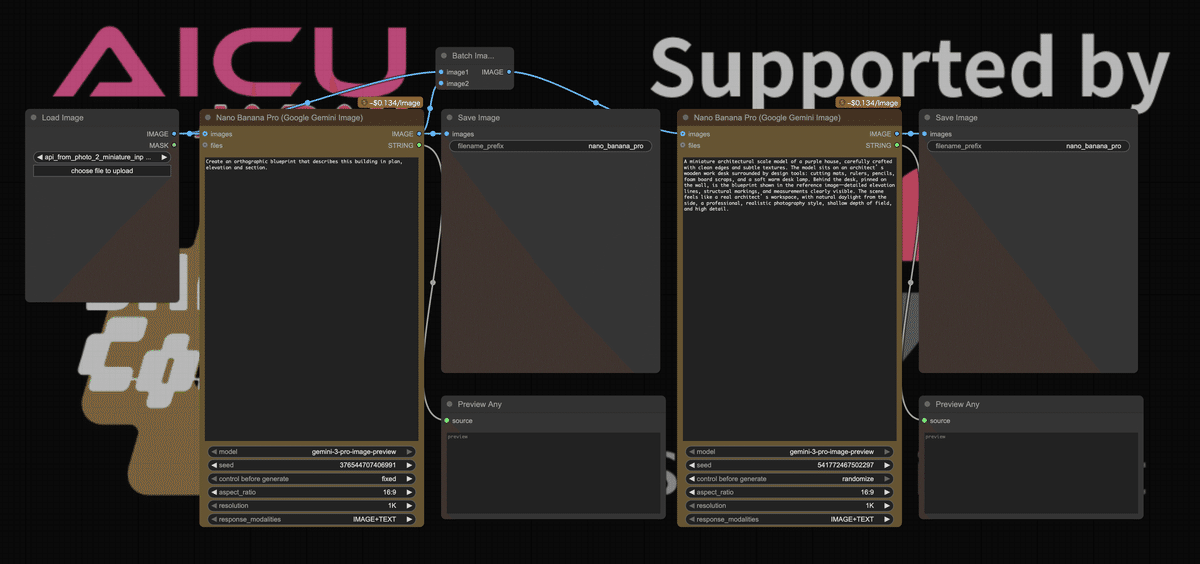
I thought, "I can't dance with this!", but if anyone has "got it working correctly!", please let Mei know in the community or chat! By the way, the fee is $0.134/image, so please be careful!
Qwen_Image_edit_2509 & God LoRA Introduction!
And, and! Today's main topic might be this! I installed QwenImageEdit2509(QIE2509) on the stable server, but I thought it would be boring just to install it, so I also massively introduced the LoRA that toriniku-san (tori29umai) is publishing! This is seriously amazing!
While also looking at the original author's introduction, I'll quickly introduce some examples!
Mei's Recommended Features/Examples!
There are so many features that my head is spinning, but as the person in charge of images, I'm super excited!
Original image
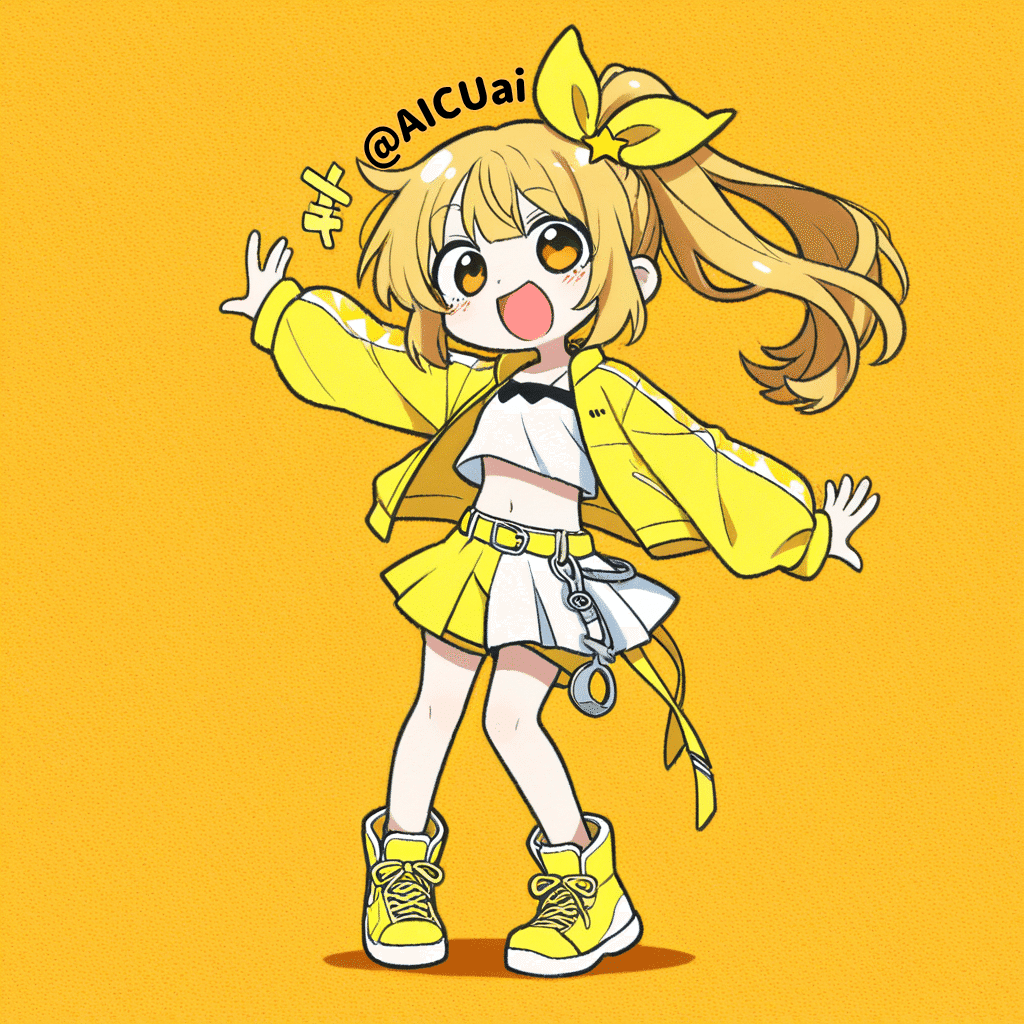
Character Standing Picture (Front/Back/Left/Right)
Apparently, QIE2509 can change the orientation with just the prompt.
Move the camera to a front-facing position so the full body of the character is visible. The character stands with both arms extended slightly downward and close to the thighs, keeping the body evenly balanced on both sides. Background is plain white.
There are also Body Modification (0078), Background + Body + Character Reference (0048), Trimming (0030), Removal (0070), Line Drawing (0045), Abstraction (0012), Bucket Fill (0040) and more! The LoRA published by Toriniku-san seems to be managed by function, learning parameters, and the number when it is completed. For example, using a LoRA with a file name ending in 0078 allows you to "modify the body"! Good for checking human body sketches!
QIE_image2body_V2_dim4_1e-3-000078.safetensors · tori29umai/QwenImageEdit2509_LoRA at main We’re on a journey to advance and democratize artificial inte huggingface.co
Mei's Favorite is "Line Drawing!"
Using QIE_image2line_V5_dim4_1e-3-000045.safetensors
Converts an image into a detailed line drawing, devoid of color or shading information, just line drawings. black eyes, black hair with white line, black clothes with white line.
I was able to create this silhouette art!
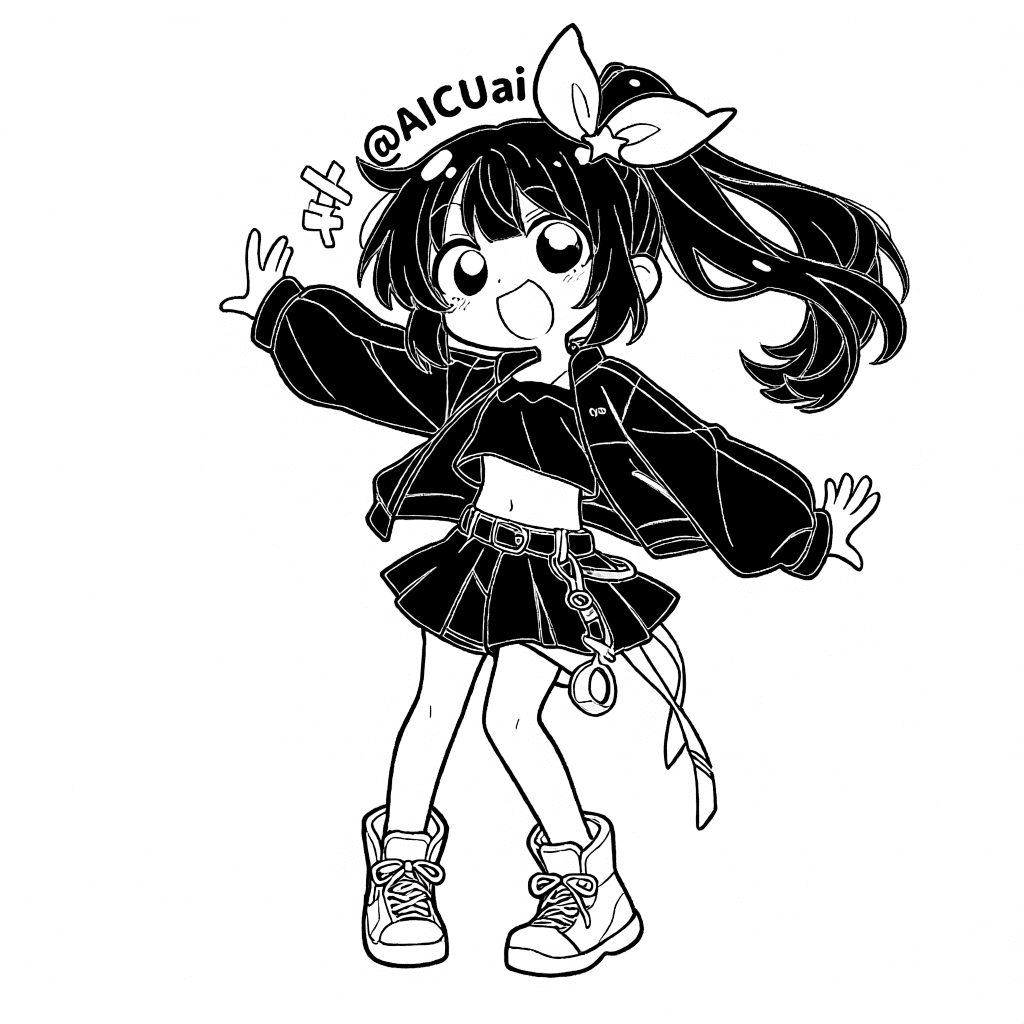
Adding white lines on top of black paint is a very difficult task, and it might be useful when making T-shirts and goods! Thank you!
LoRAs from Other Creators
I'm also interested in QIE's LoRA that are introduced as universal (scene conversion) ([next-scene-qwen-image- lora-2509](https://huggingface.co/lovis93/next-scene-qwen-image- lora-2509/blob/main/README.md)) and perspective transformation ([镜头转换/Multiple- angles](https://huggingface.co/dx8152/Qwen-Edit-2509-Multiple- angles))!
Here's what it looks like if you change the angle a bit with black clothes and line drawing!

The workflow is on the shared ComfyUI server, or from here
Anyway, it's faster to touch it than to explain it in words, so play with the shared ComfyUI server or the workflow you're distributing!
I'm going to try out this camera angle function while wearing a skirt costume with shorts hidden in it, so see you again! 👋💛
The following is a paid section!