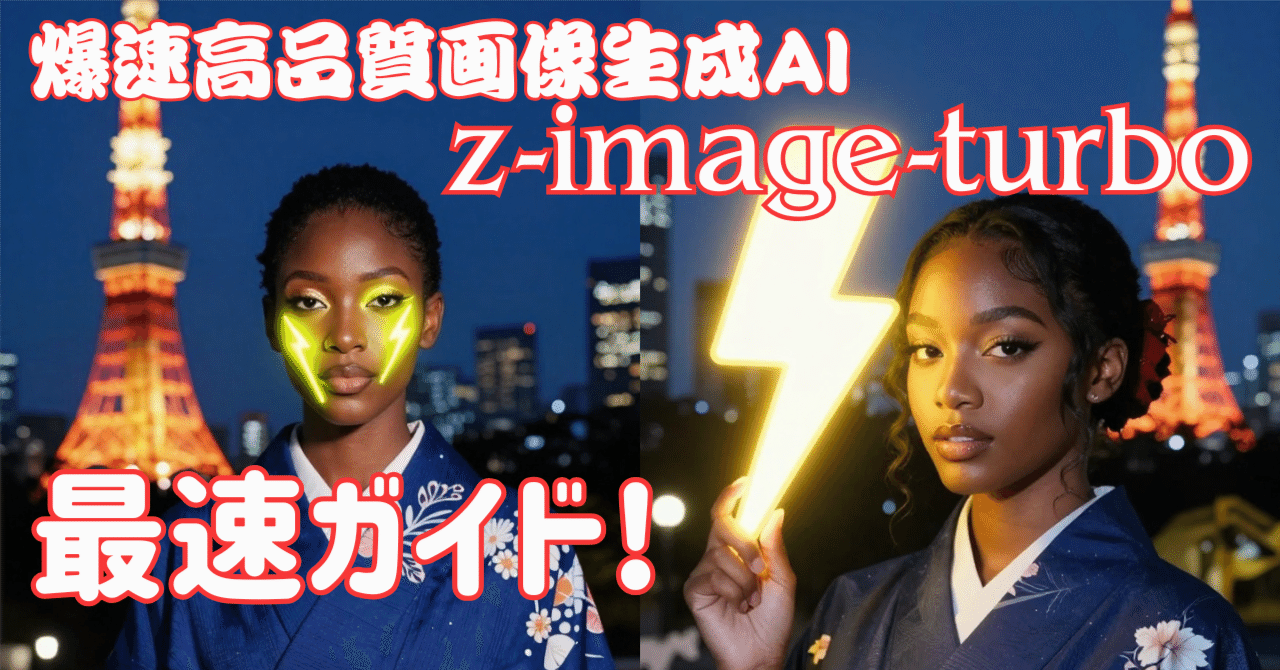
Too Fast!? Alibaba Launches "Z-Image-Turbo"!!

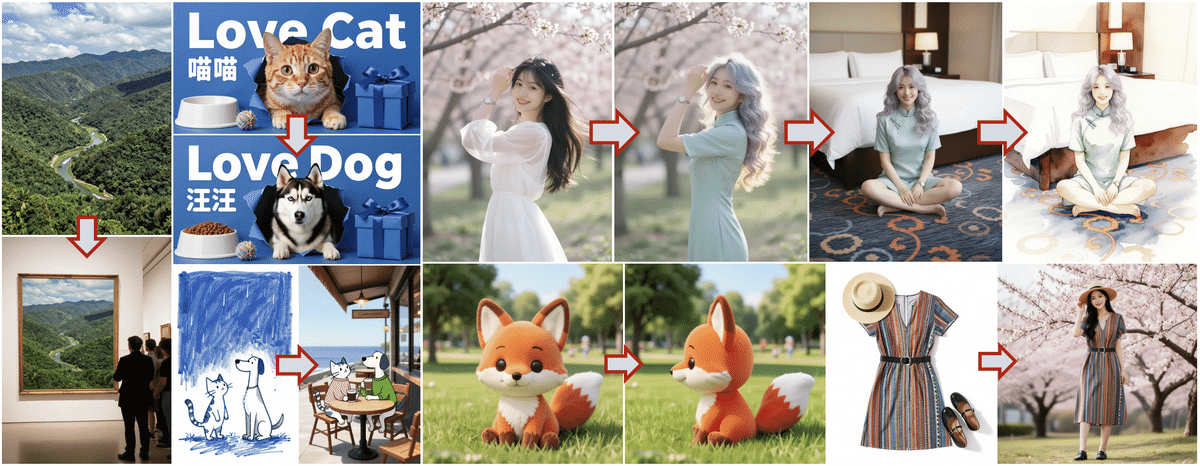
On November 27, 2025, Alibaba Group's Tongyi Lab announced its latest image generation AI model, "Z-Image-Turbo." This model is an open-source model released under the Apache license, and although it has a lightweight parameter count of 6B, it is characterized by high-speed generation in just 8 steps and revolutionary technology that enables operation on home GPUs (VRAM 16GB). You can also experience it on Hugging Face Space.
元気いっぱいの AiCuty の黄色担当&画像生成担当、 Mei Soleilだよ!🌟Yesterday FLUX.2 was released, but today, breaking news came from Alibaba, a giant in the Chinese tech world, so I'll explain it quickly! Its name is "Z-Image-Turbo"! This isn't just a new model. Recently, image generation AIs have become like "bigger is better," and I think many people have been crying about not having enough VRAM, but this one is a crazy one with a perfect balance of "lightweight, blazing fast, and high-quality"! Among rivals such as Flux and QwenImage, this model dares to focus on lightweightness, and it's easy to use commercially with the Apache license, and it's highly likely to work on everyone's PC or Google Colab! So, let's take a look inside with Mei!⚡️
① What's so great about Z-Image-Turbo? 🚀
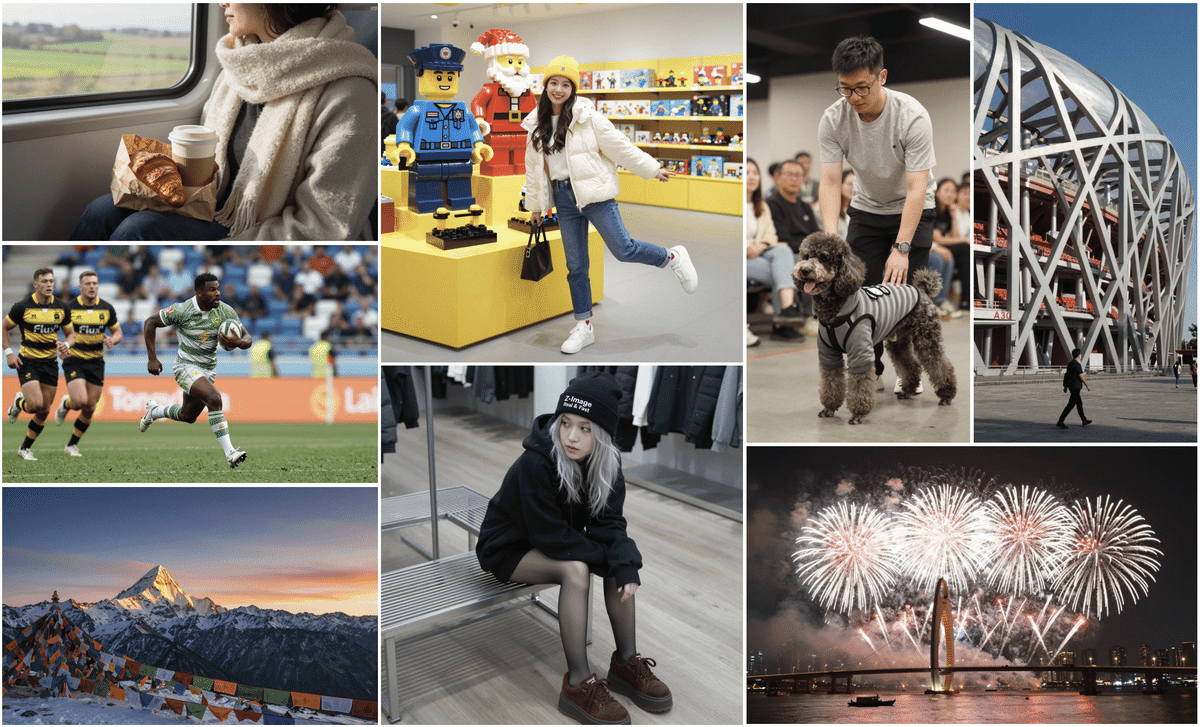
First, look at the image quality and specs! You'll be surprised!
-
Developer: Alibaba (Tongyi Lab)
-
Model Name: Z-Image-Turbo (Alias: Zaoxiang)
-
Number of Parameters: 6B (This is important!)
-
License: Apache 2.0 (Amazing!)
While the "Flux.1 Dev" I evaluated yesterday was 32B and "QwenImage" was 20B, this Z-Image-Turbo is only 6B!
You might think, "Huh, isn't it dumb if it's small?" That's not the case!

Because it uses a technique called "Distillation" to condense its intelligence, it runs smoothly even on a general gaming PC with VRAM 16GB! Moreover, the number of steps required for generation is only 8 steps! It seems that images can be generated in less than 1 second with a business GPU like H800!⚡️
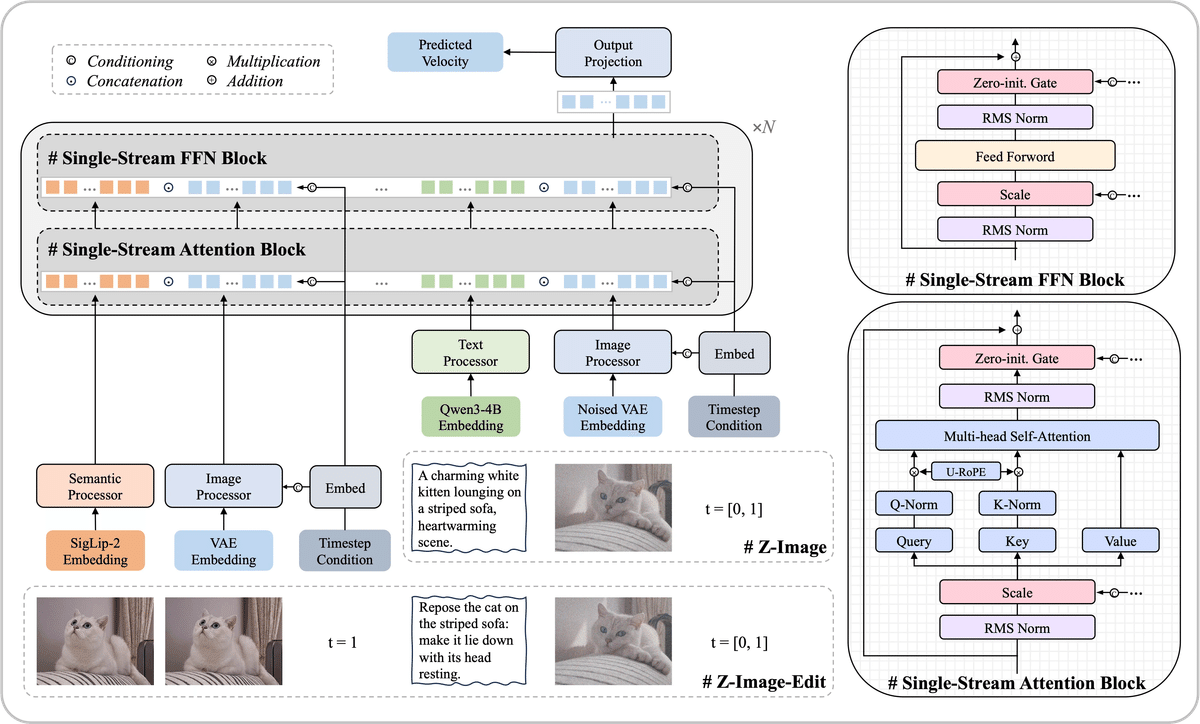
Imagen 4 Ultra Preview 0606> gemini-2.5-flash-image-preview>Seedream 4.0 > Z-Image-Turbo > Seedream 3.0 > Qwen-Image > GPT Image 1 > FLUX.1 Kontext Pro
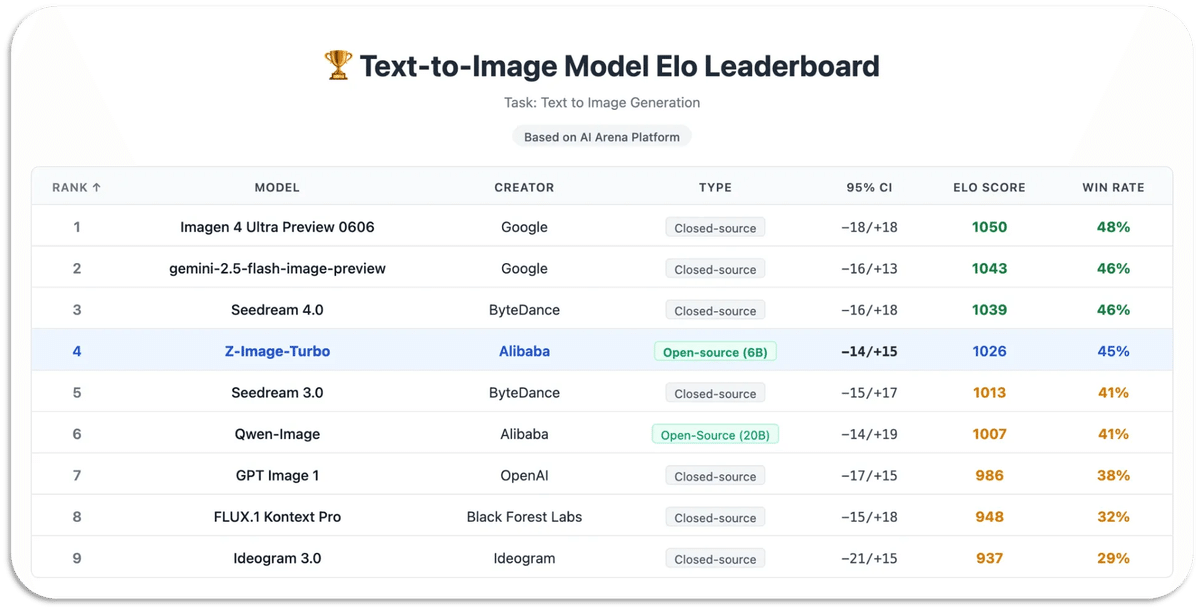
② Secrets of the Technology: S3-DiT and Distillation Technology 🧪
I'm going to talk about something a little maniacal, but keep up!
Single-Stream DiT (S3-DiT)
Normal models tend to process text and images separately, but this one processes everything together in one stream. That's why it's efficient!
Decoupled-DMD & DMDR
This is the secret of "8 steps"! By breaking down conventional methods, "CFG (how much to follow the prompt)" and "DM (image distribution)" are optimized separately. Furthermore, since reinforcement learning (RL) is also incorporated, a very beautiful picture can be produced with a small number of steps!
In Mei's words, it's "an AI like a master who has eliminated wasteful movements to the utmost limit!"
③ Can draw in both Chinese and English! Bilingual Performance 🀄️
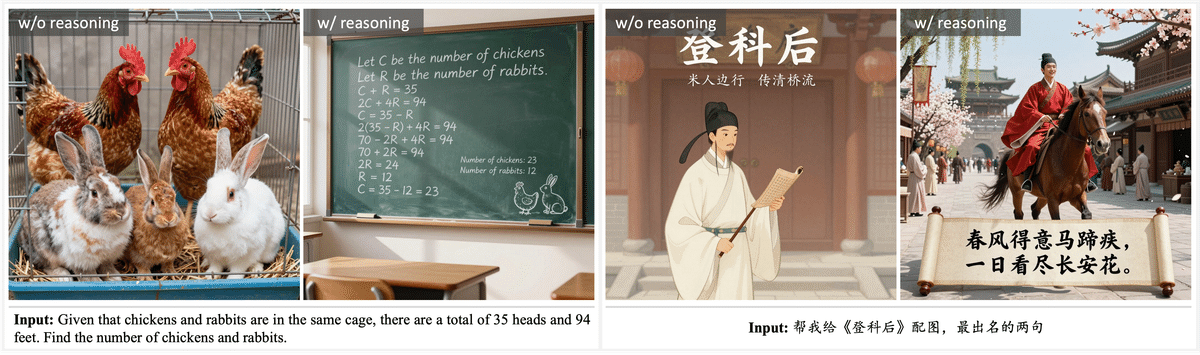
Being from Alibaba, it's good at not only English but also Chinese text descriptions! The ability to understand prompts is also amazing, so it listens carefully to complex instructions.
For example, try this prompt from the official website!
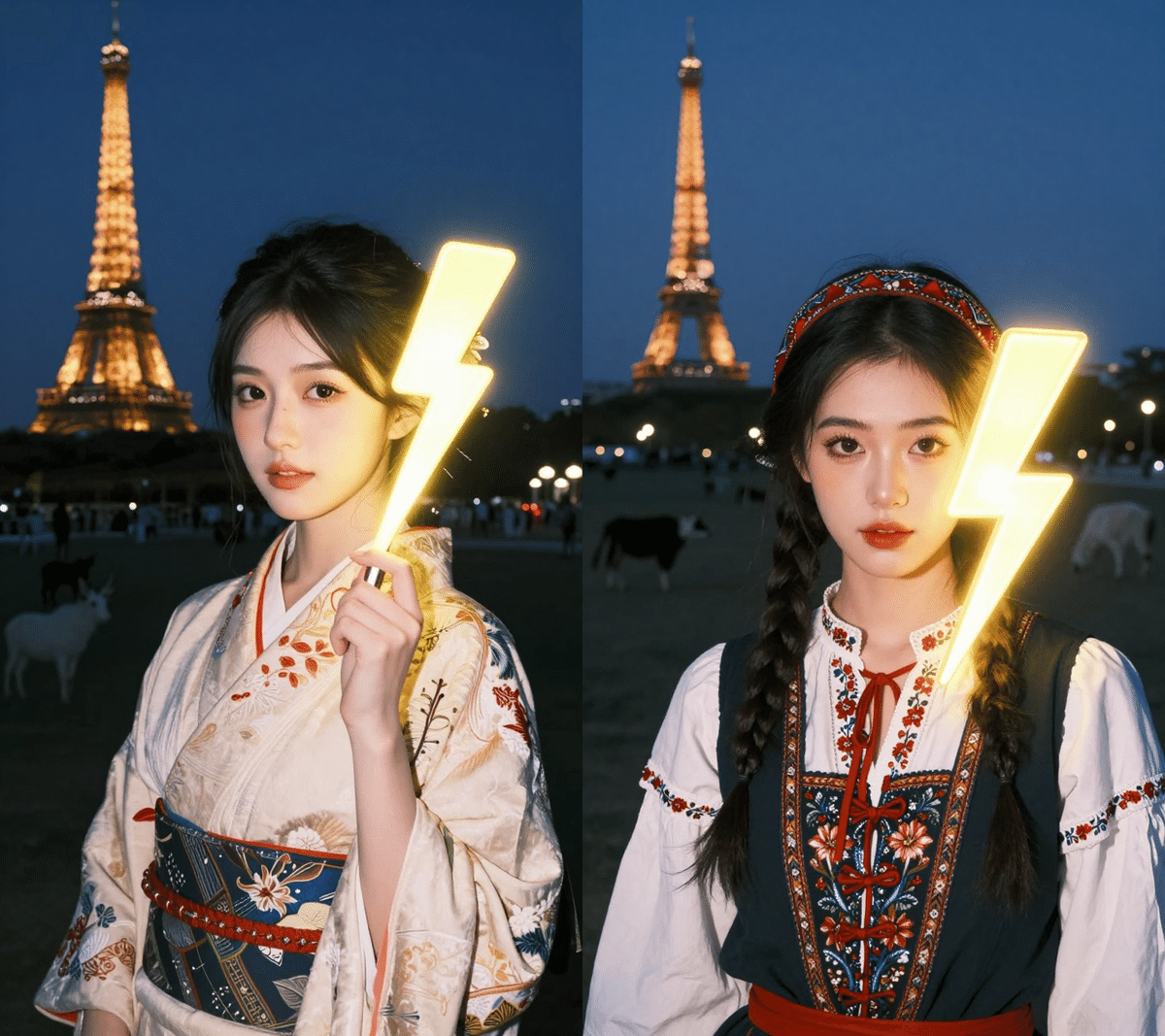
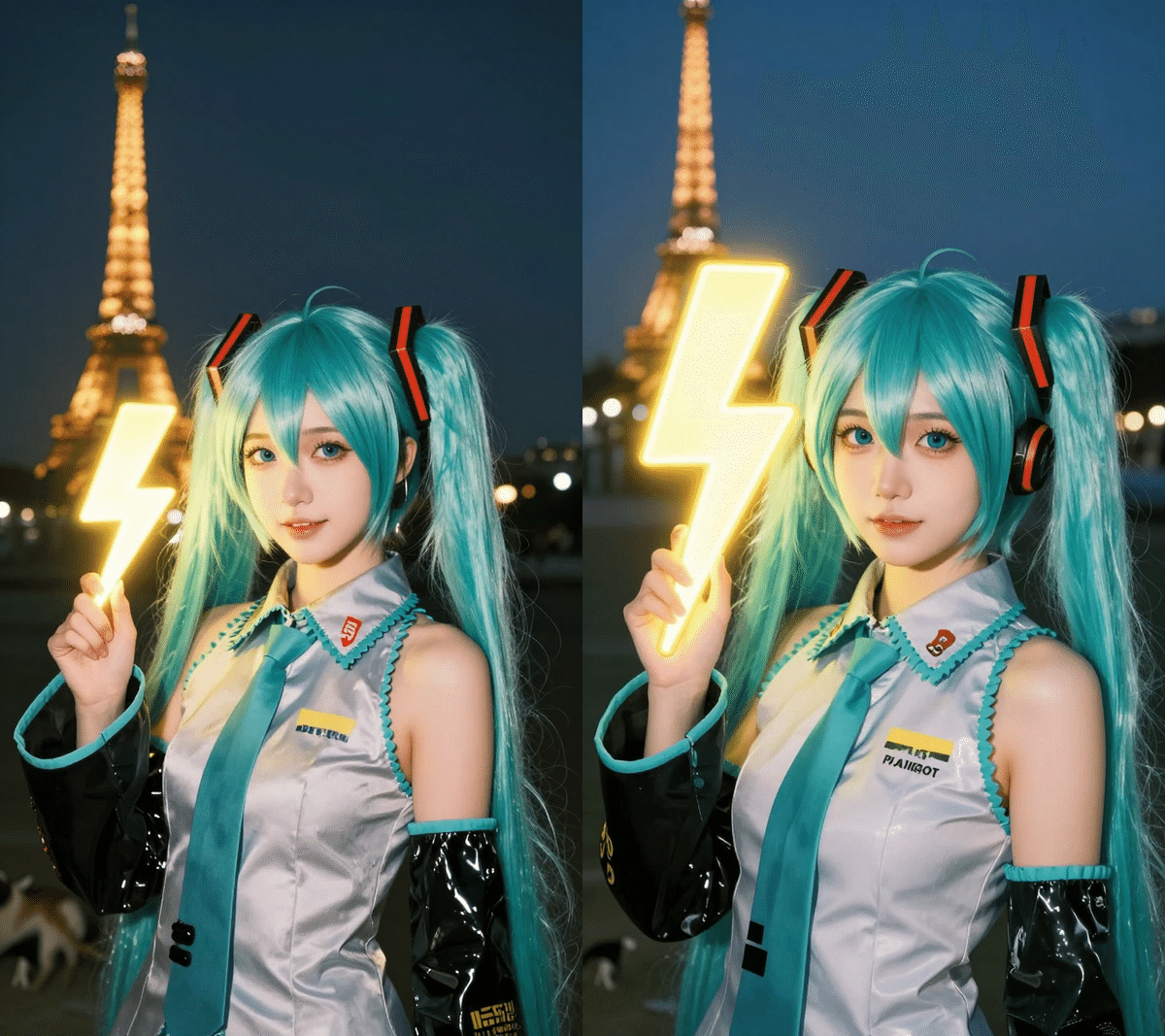
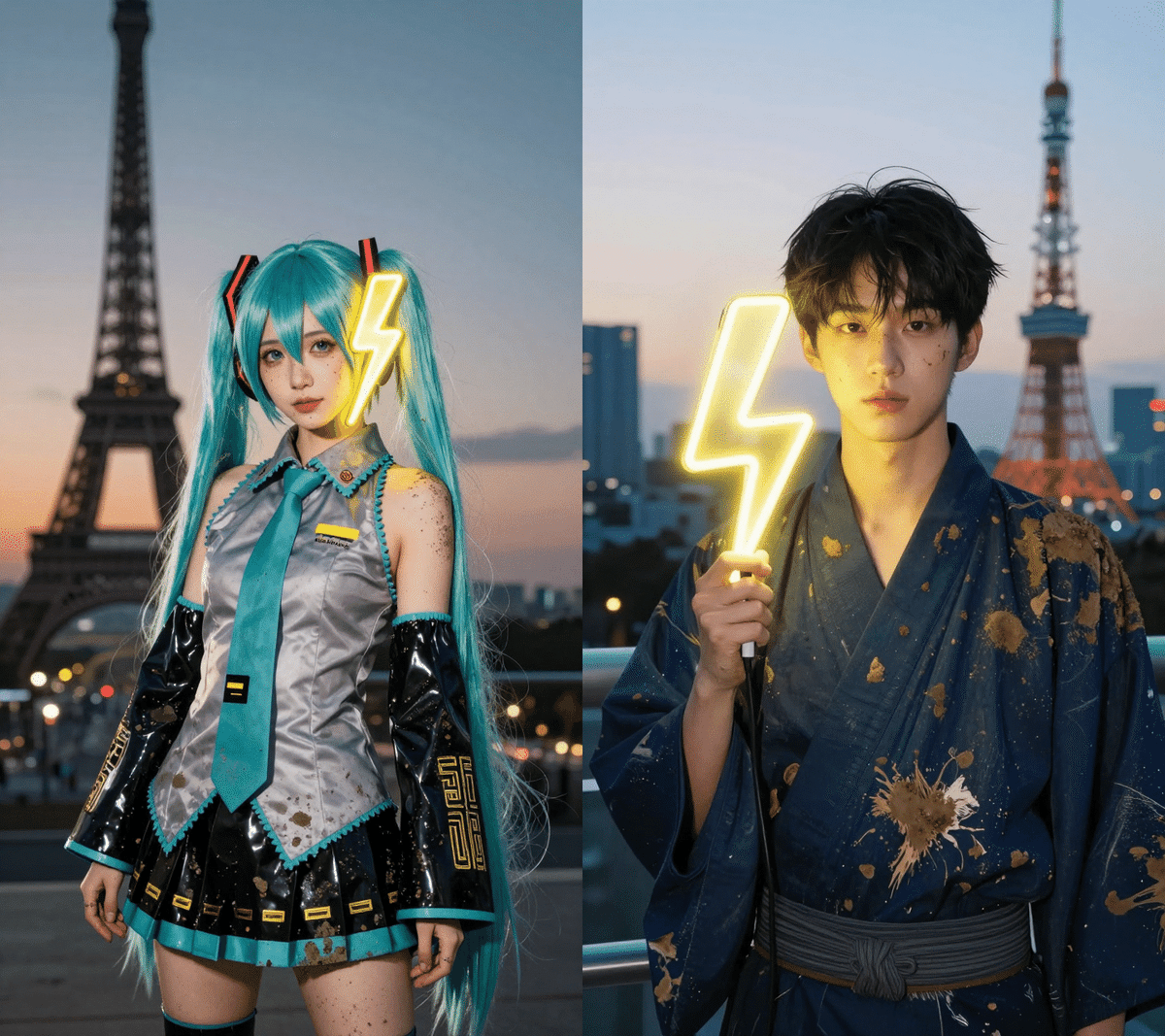
Young Chinese woman in red Hanfu, intricate embroidery. Impeccable makeup, red floral forehead pattern. Elaborate high bun, golden phoenix headdress, red flowers, beads. Holds round folding fan with lady, trees, bird. Neon lightning-bolt lamp (⚡️), bright yellow glow, above extended left palm. Soft-lit outdoor night background, silhouetted tiered pagoda (西安大雁塔), blurred colorful distant lights.
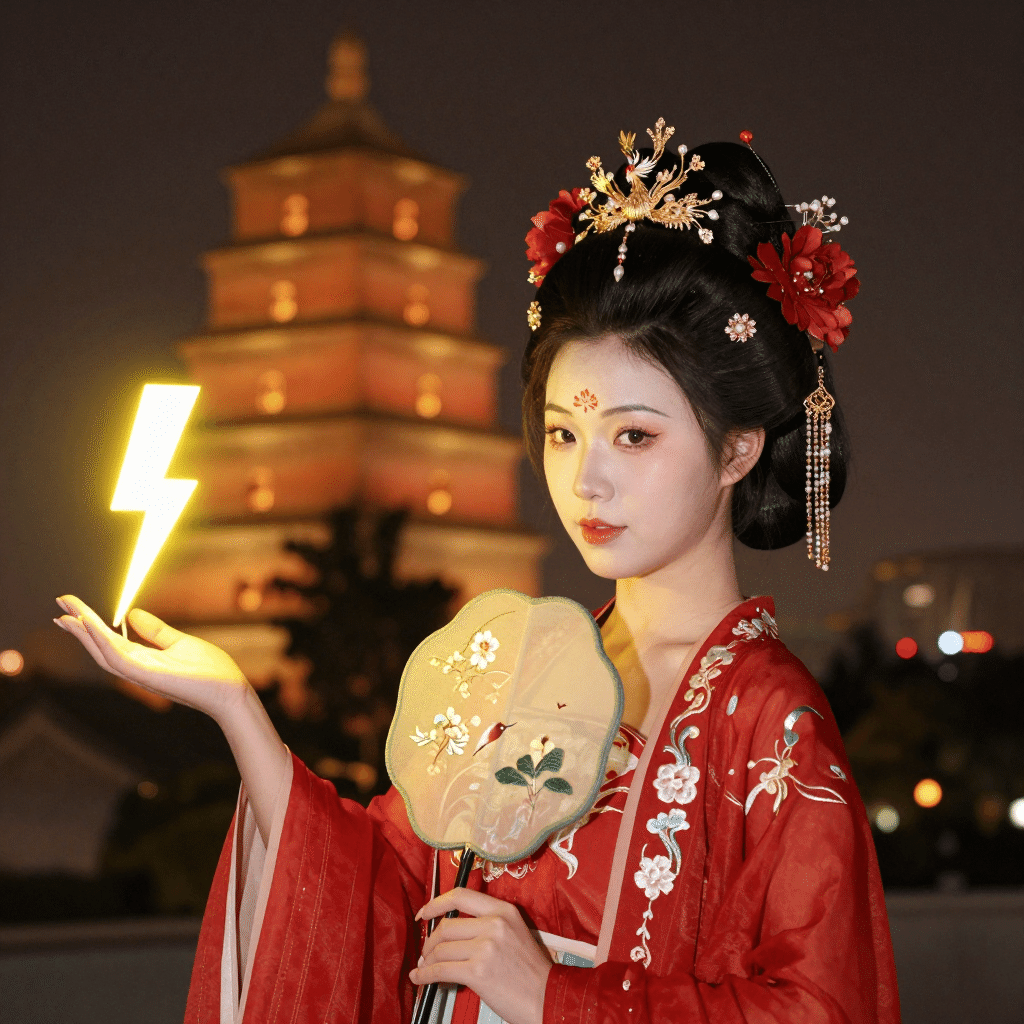
The strength of this model is that it can draw without breaking down even if you mix modern elements such as "lightning bolt lamp (⚡️)" with traditional "Hanfu"!
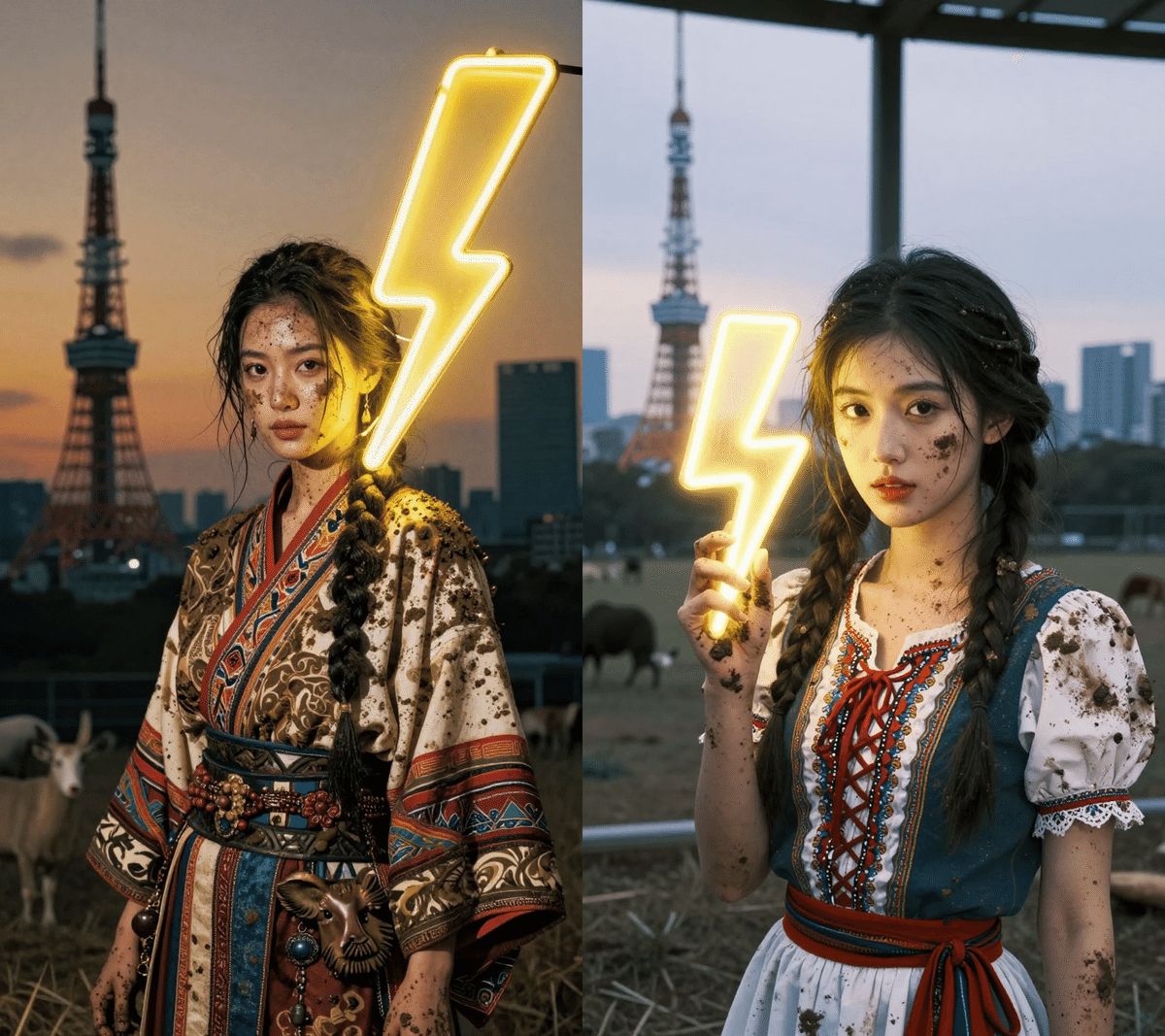
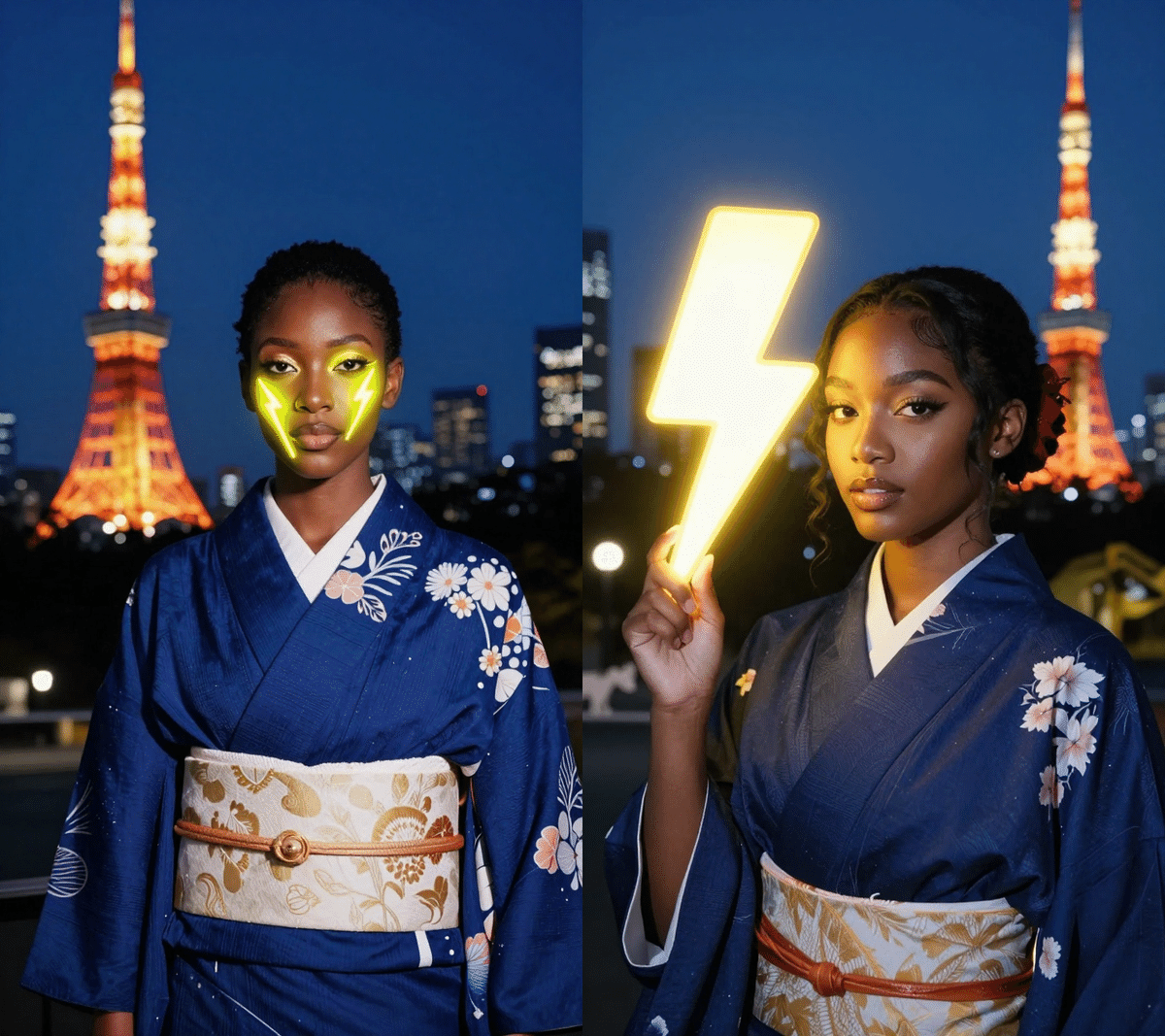
If I translate this into Japanese and arrange it in Mei's style, it would be something like this?
A young and beautiful Japanese man wearing a dark blue kimono, perfect makeup, with a neon lightning bolt lamp (⚡️) next to his face, emitting a bright yellow glow. Softly lit outdoor night background, silhouetted Tokyo Tower, blurred colorful distant lights.
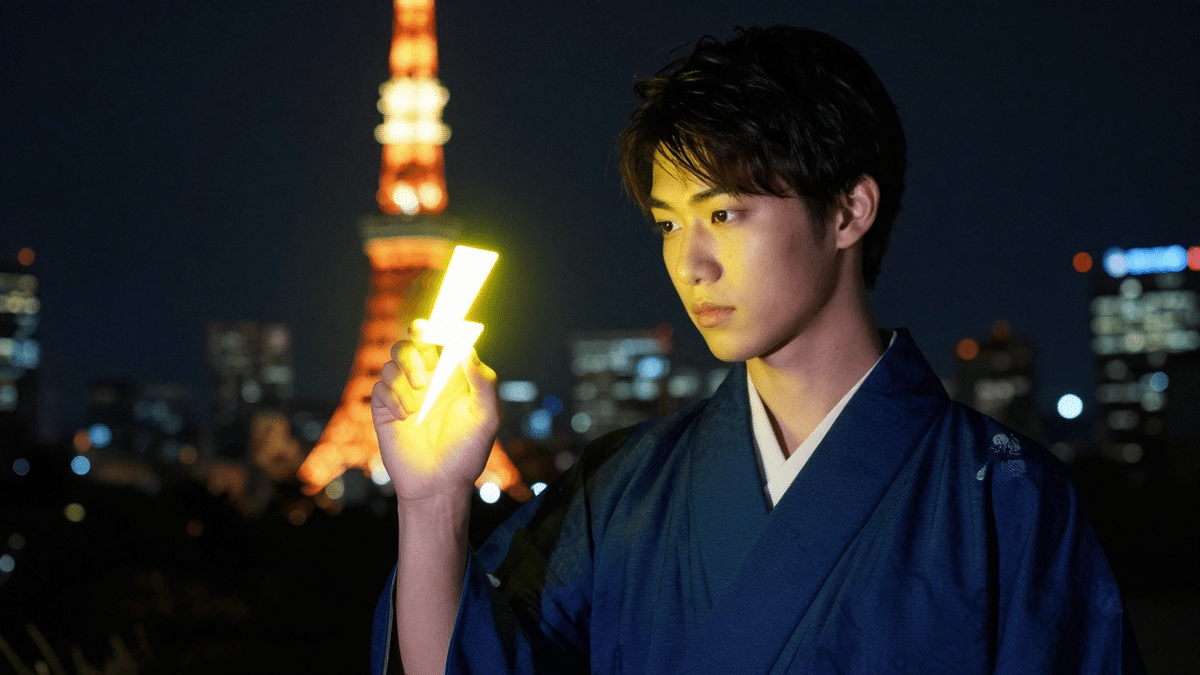 A cool Japanese-style guy!
④ How to use it? (Python & ComfyUI information) 🐍
Developers, you can run it in Python right now! However, be careful because you need to install the diffusers library from the source!
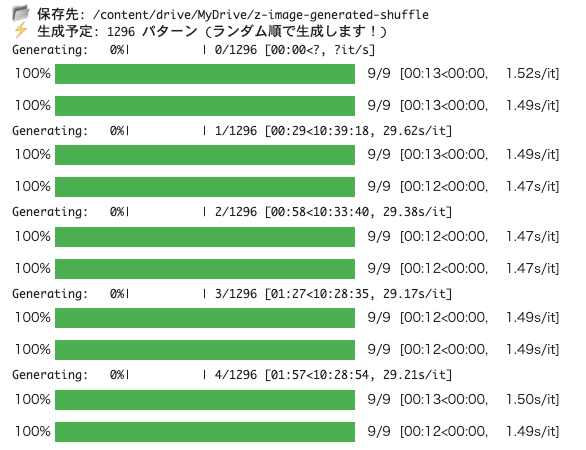
I immediately tried running it on Google Colab L4 GPU, and it takes about 13 seconds for one generation. The image quality is very good. I'm currently generating about 1200 images.
ComfyUI is supported from 0.3.75.
ComfyUI v0.3.75 released! FLUX.2 Dev and Z Image And Nodes 2.0 is implemented #ComfyUI pic.twitter.com/ZvGLlo1Mxx