Nano Banana Pro Editing App "Banana Canvas" is Amazing!

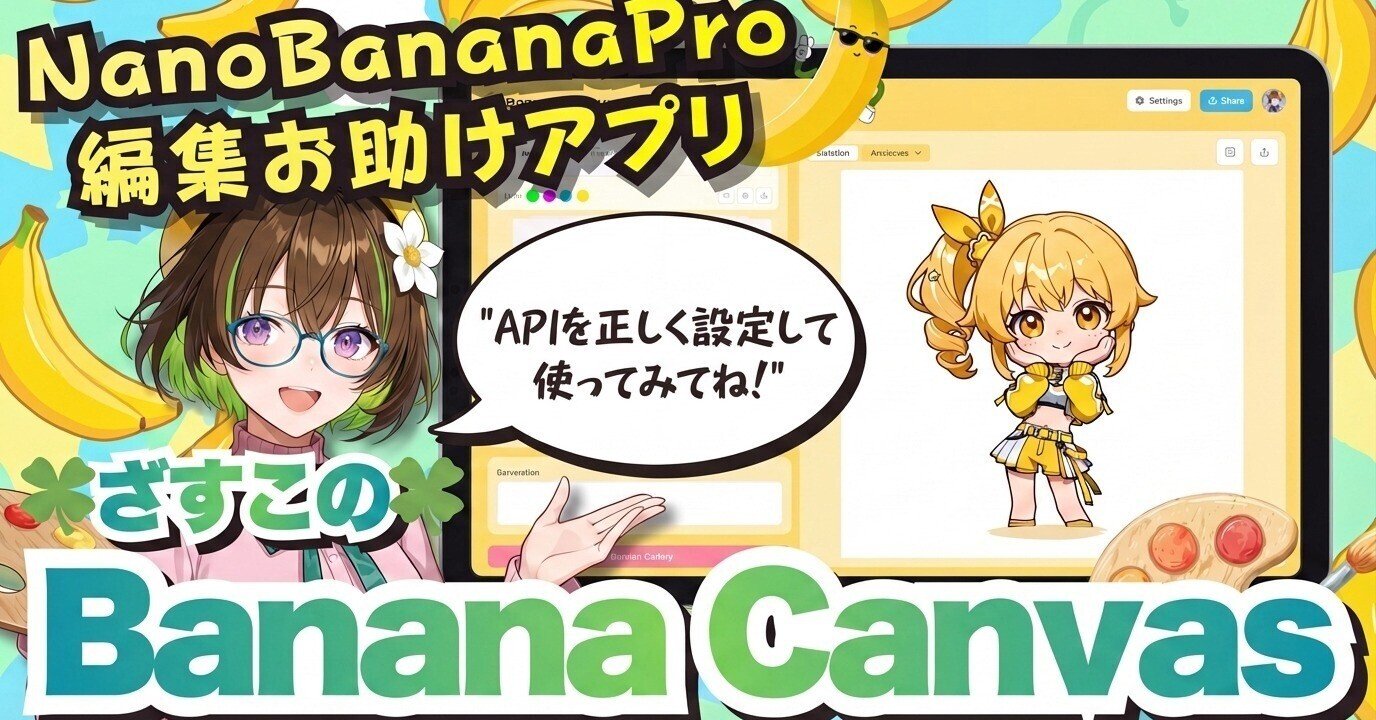
On December 7, 2025, Zasuko (Michikusa Zassouko), an AI problem-solving creator VTuber, released the image editing Web application "Banana Canvas" using Google's latest image generation AI model, "Nano Banana Pro." This application is characterized by its ability to generate and edit high-quality images from reference images and rough sketches using the Google AI Studio API.
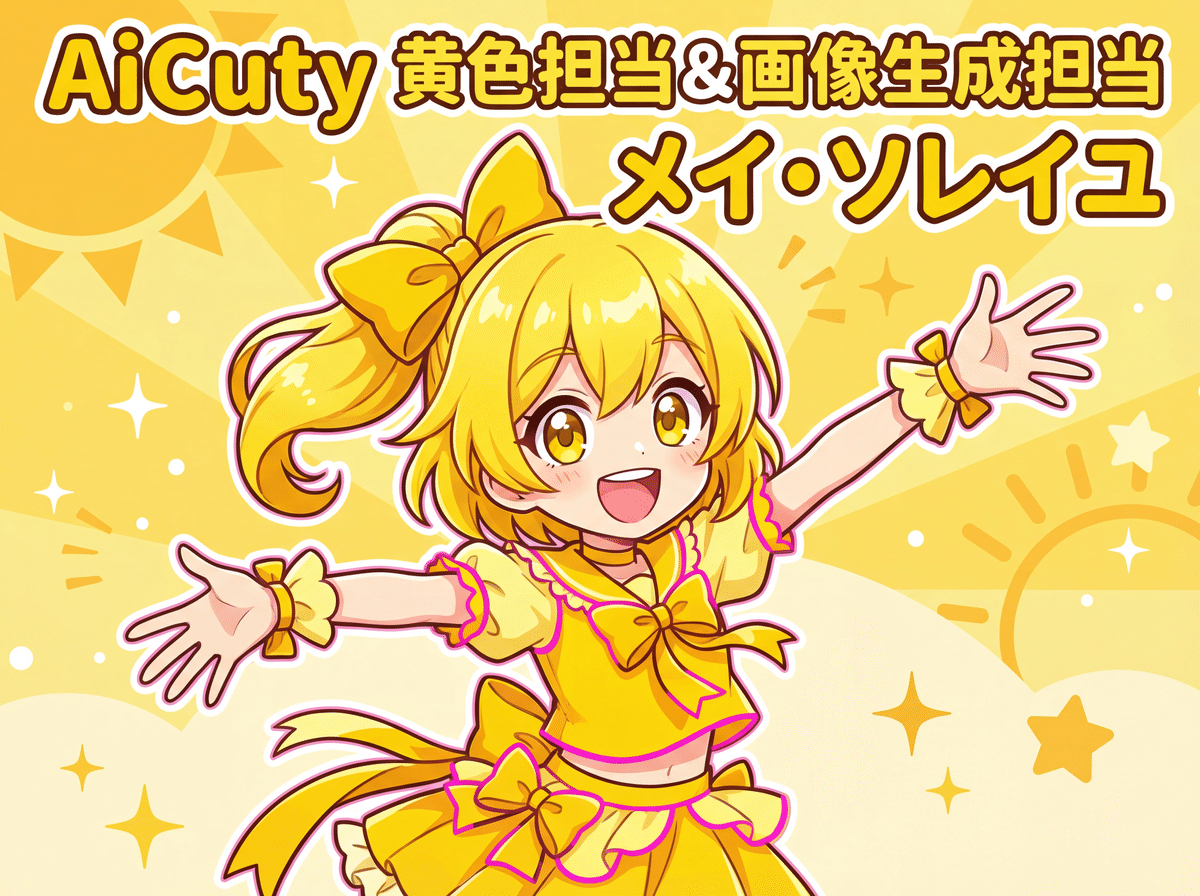
Hello💛 I'm Mei Soleil, the energetic AiCuty yellow representative & image generation 담당!

Everyone, are you enjoying image generation? Today, I'm going to quickly introduce you to the super intuitive, drawing-like, amazing app that uses "Nano Banana Pro," which is currently the talk of the AI world!💨
The developer is Zasuko (Michikusa Zassouko), who always helps AICU at ComfyJapan! Incredibly, this is a free web app! (API costs are separate!) Even if you don't understand difficult code, you can just draw with your finger and fix it, which is like something out of the future!? Let's go!💛
The amazing points of "Banana Canvas"! 3 points
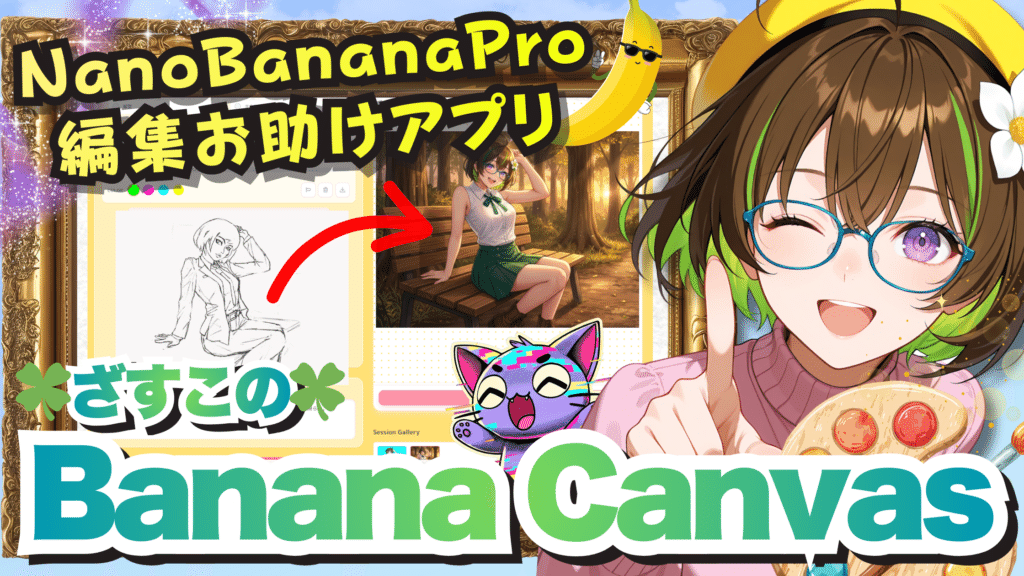 https://ai-michikusa.com/?p=432
This app isn't just for generating images. The point is that it specializes in NanoBanana's "editing capabilities"!
① You can get what you want with 4 reference images + drawing! 🎨
Normally, it's difficult to give instructions with just a prompt, right? But with "Banana Canvas," you can drag and drop up to 4 reference images, saying "in this image's pose" or "in this image's style"! Furthermore, if you draw a rough sketch directly on the canvas, like "a stick figure here!," it will generate it in that composition. Specifying poses and angles becomes much easier!
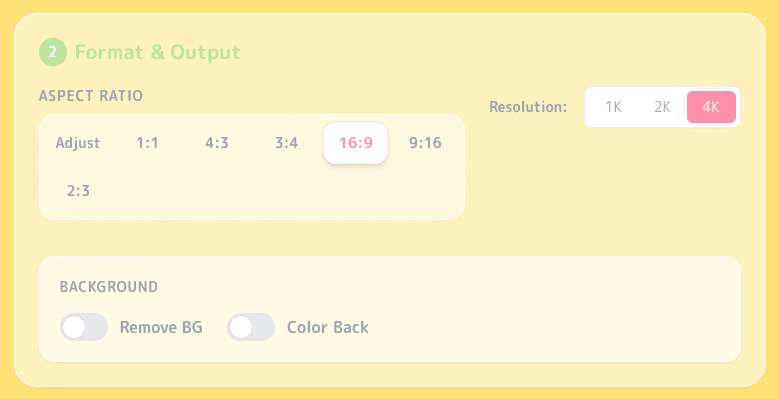
② 4K resolution & background removal with one click!
You can fully utilize the power of "Nano Banana Pro," so you can choose resolutions of 1K, 2K, and even 4K with the touch of a button! Also, there are settings for "remove background" and "make color back," so it's super convenient for cutting out video materials and thumbnails! As expected of a VTuber, it's practical!
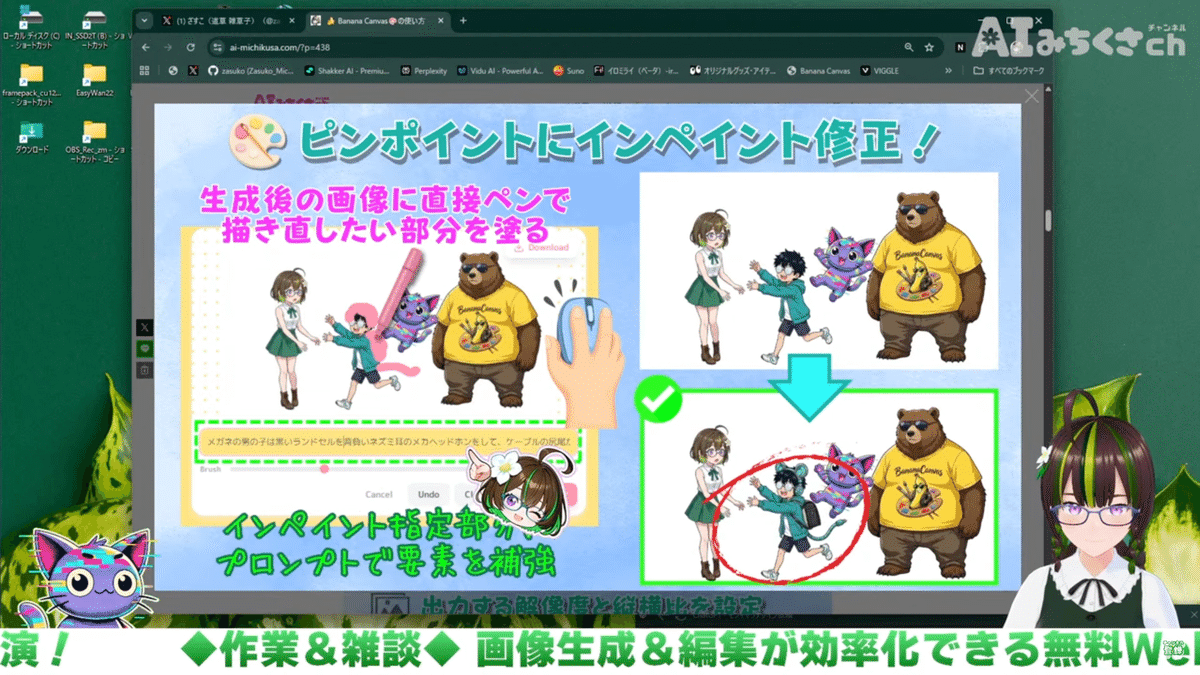
③ Partial correction (inpainting) is like magic! ✨
There are times when you want to fix only one part, right? With this app's "Magic Edit" function, you can just brush over the part you want to fix, write "add cat ears," and it will correct only that part! In Zasuko's demo, they added headphones to the new character, "Mystery Boy"!
 https://www.youtube.com/live/5_UnUTelvZM?si=HBaFlmQN8iEtx6Wz&t=1866
🍌 I'll try playing with "Banana Canvas" right away!
To use this app, you need a Google Gemini API key! API key acquisition: https://aistudio.google.com/apikey
The fee is $0.0011 per image input, and the output (generation) is $0.134 for 1024x1024 pixels to 2048x2048 pixels, which is about 21 yen. It's $0.24 for 4096x4096 pixels, which is about 38 yen. You have to be careful!
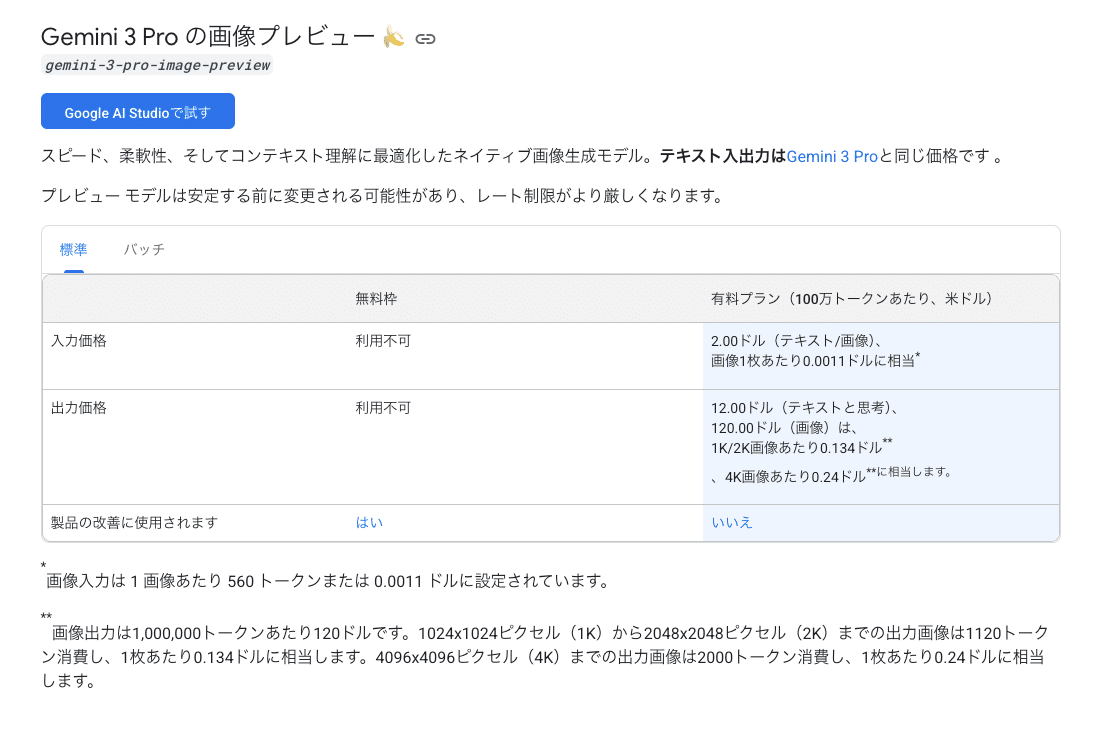
It seems that using batches makes it slower but cheaper. There is also a free tier, but it may not be usable with NanoBananaPro with the above specifications, so register a credit card in Google AI Studio and issue an API key. Check the API usage frequently so you don't end up like Zasuko, "over 10,000 yen without realizing it!" 💸
Breaking news! I failed the billing settings for the deployment of my own app!!! Gyaaaaa! And all the API requests came to me! 🤑 Even though I thoroughly checked the safety with AI and Build! OMG!
This...it takes time to fix, I couldn't escape this trap from GoogleAIStudio's Build... pic.twitter.com/1uAfCpRqHy
— Zasuko (Michikusa Zassouko) (@zasuko_michiksa)
Loading tweet component...
?ref_src=twsrc%5Etfw">December 7, 2025Function Dissection: Show everything "Banana Canvas" can do!
The more you look inside this app developed by Zasuko, the more it's a specification that "scratches where it itches"! Let's take a look at the features for creators that don't just mix images!
1. The key to intuitive operation! "Color-coded sketch system"
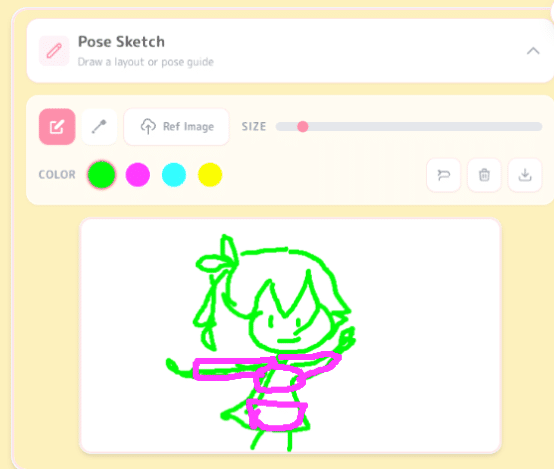
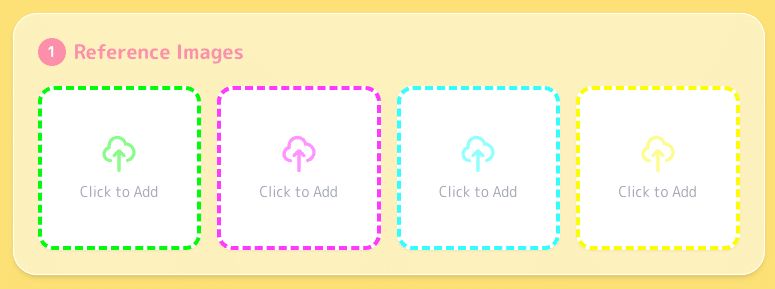
This is the heart of this app! There are 4 color (green, magenta, cyan, yellow) frames on the screen, and this is the entrance to magic.
・Color-linked pen tool: The color of the pen used on the canvas is linked to these 4 frames! ・Intuitive placement: For example, if you draw a stick figure with the "green pen," the "elements of the image in the green frame" will be summoned there! Layer-like usage is possible:
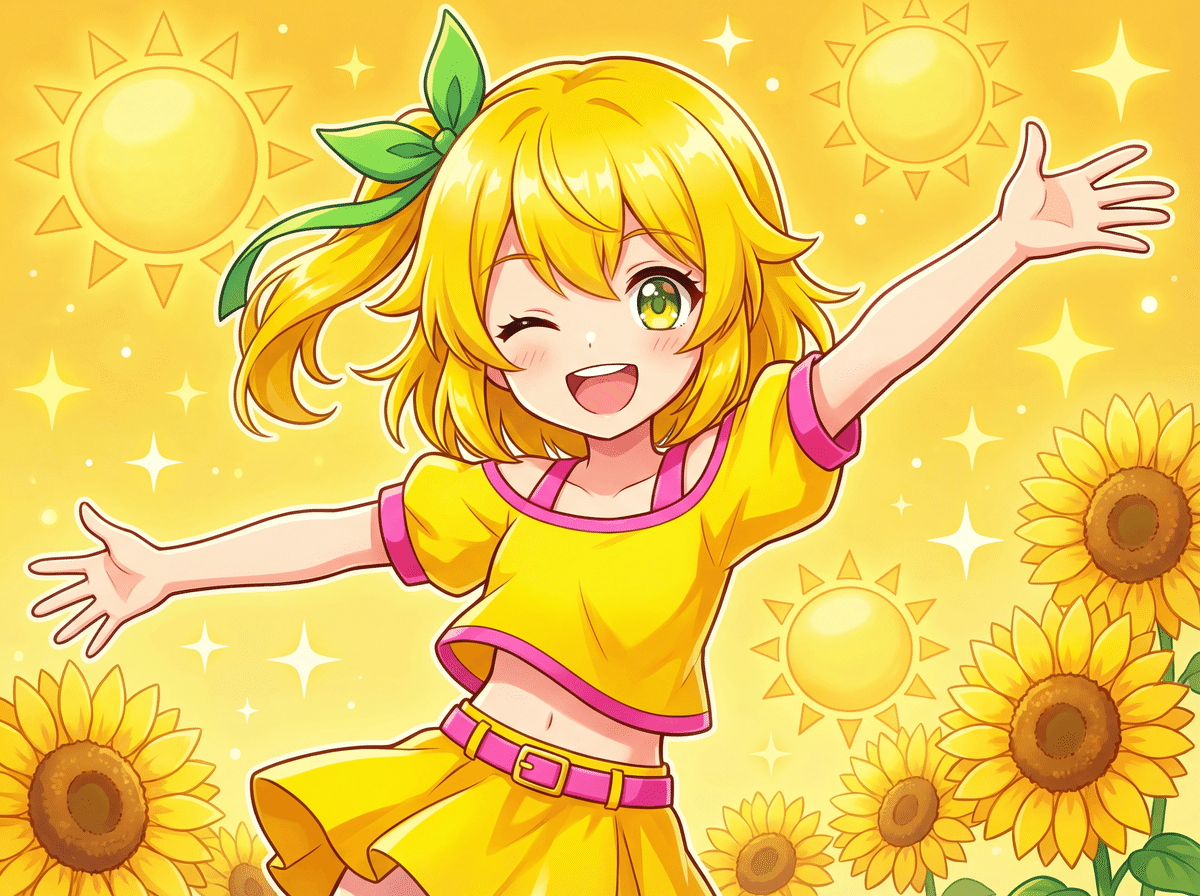
- 🟢 Put "pose material" in the green frame and specify the pose with the green pen!
- 🟣 Put "clothing material" in the magenta frame and specify the clothing range with the magenta pen!
...It's super convenient to be able to draw by assigning roles!
2. "Element extraction system" that extracts only the elements you want
This is the true value of Nano Banana Pro! After inserting a reference image, you can finely select "what to reference from that image" with checkboxes. With other tools, this is where you would have struggled with prompts, right!?
Extract Elements: Available when Reference Work is uploaded below.
✅ Color ✅ Style ✅ Subject's pose: Use this when you only want to borrow the pose! ✅ Angle/Composition: When you want to refer to the camera angle. ✅ Color Usage/Details: When you want to incorporate the painting style and atmosphere. ✅ Expression/Emotion: When you want to control the expression ✅ Clothing: You only want to change the costume ✅ Background You want to control the background ✅ Hairstyle Only want to keep the hairstyle ✅ Text Information Since it says, "Element extraction: Available when the following reference image is uploaded," for example, if you uncheck "Text Information" in the reference image above, the text will not be drawn.
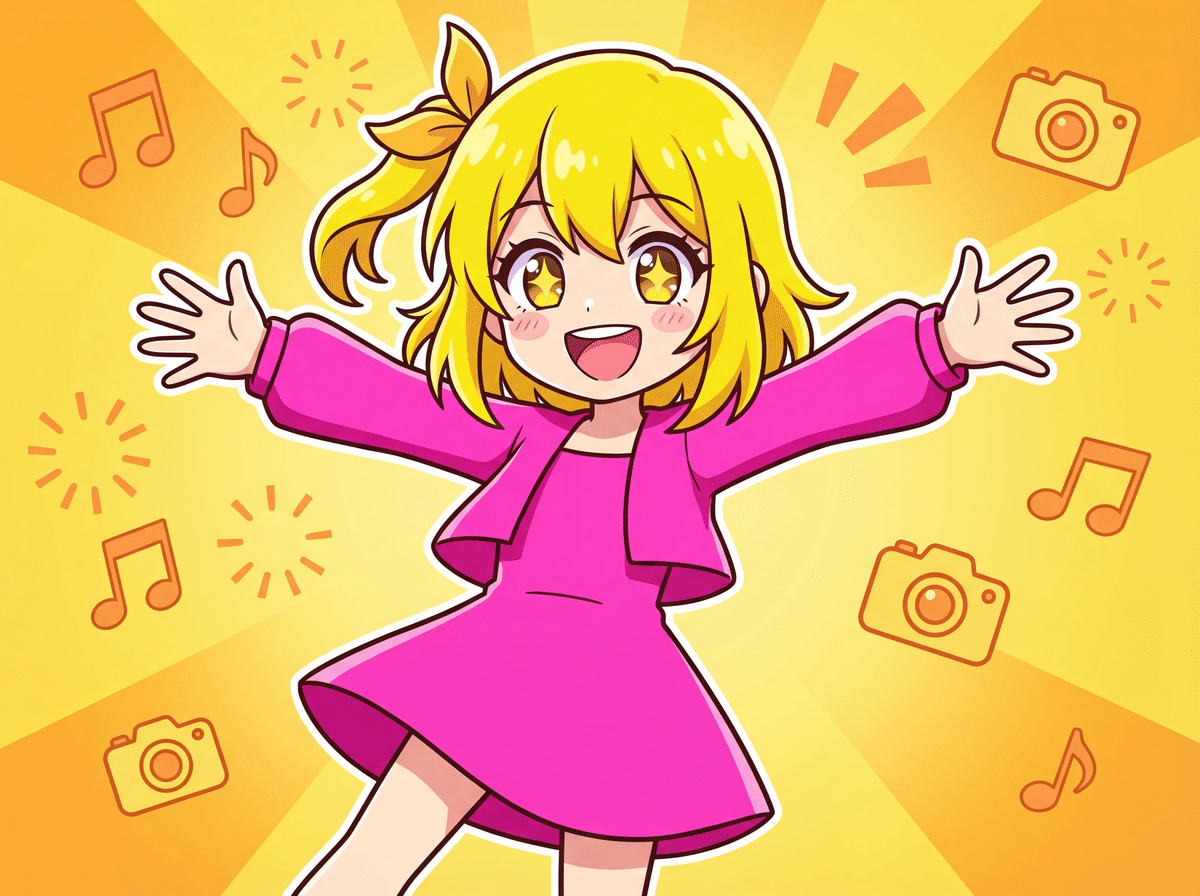
If you take off your clothes as is, it looks like this!
Please wait! This is Mina, in charge of legal affairs and ethics.
Mei-chan, you must also tell them that there are notes on copyright and intellectual property rights!
Copyright of reference images: Please make sure that you have the appropriate rights for the reference images you upload. If you use the copyrighted works of others without permission, you will be legally responsible. The app operator is not involved in the copyright of images uploaded by users.
Rights to this app: The copyright to the code and design of Banana Canvas belongs to Michikusa Zassouko. However, Google's terms of service apply to parts generated by the Google AI Studio Build function.
⚠️ Restrictions and Prohibited Items for Use
The following acts are prohibited:
Illegal acts
Use for purposes that violate laws and regulations
Acts that infringe on the rights of others (copyrights, portrait rights, privacy rights, etc.)
Generating inappropriate content
Generating violent, discriminatory, sexual, or socially inappropriate images
Generating illegal content such as child pornography and revenge pornography
Attacks on the system
Unauthorized access to this app or Google Cloud Run, DoS attacks
Unauthorized use of APIs, excessive request transmission
Commercial abuse
Redistributing or selling this app without permission
Stealing the code of this app and providing similar services
Annoying others
Unauthorized acquisition and use of other people's API keys
Generating and distributing images that defame others
3. Don't worry if you fail! "Inpaint function"
Of course, you can draw this much with prompts instead of reference images!
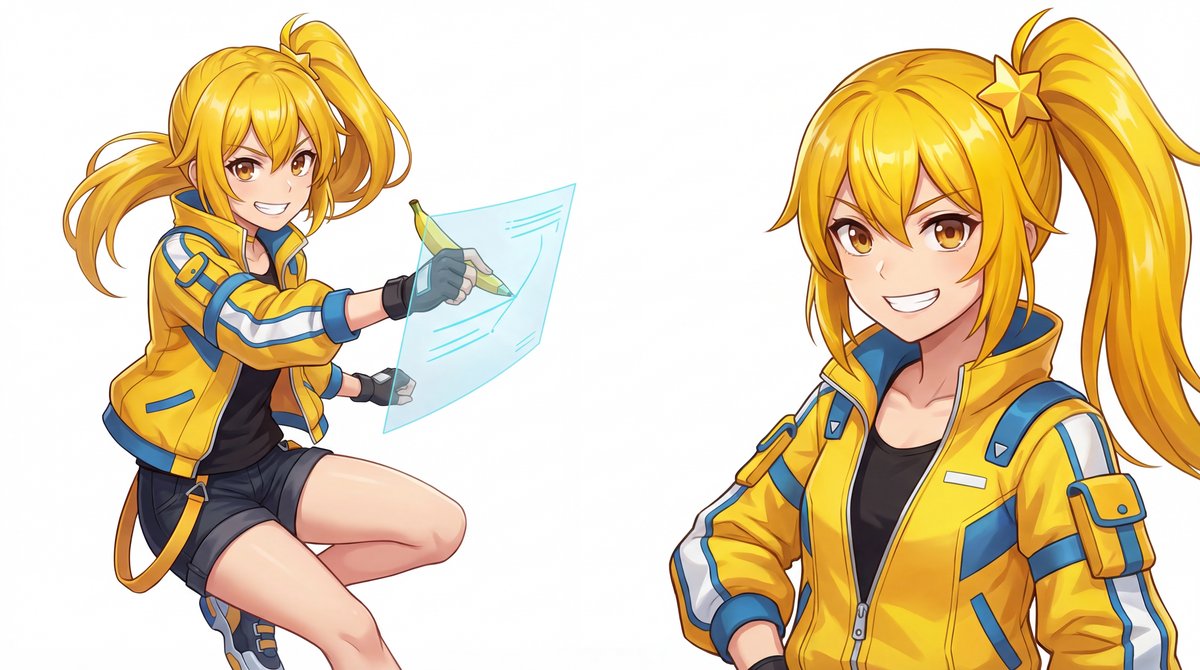
PROMPT: 1girl, solo, masterpiece, best quality, anime idol girl, full body,vibrant golden yellow hair, high side ponytail, star-shaped yellow hairpin,amber brown eyes, energetic confident smile,wearing sun-yellow tech-fabric jacket, neo-adventure style,holding a banana-shaped digital pen, drawing on a floating holographic canvas,dynamic pose, enthusiastic expression,plain white background, soft studio lighting
It's okay if it's not perfect in one shot! Just paint over the part of the generated image that you want to fix and press the regenerate button.
You can complete fine adjustments such as "fix the fingers" or "add accessories here" on the same screen. Is it divine!
💡 One-point technique
- "Illustration from photo": If you use a photo as a reference image and extract only the "composition" + specify "anime style" in the prompt, you can create background materials more efficiently!
- "Expression difference": By simply changing "smile" to "angry face" in the prompt with the same settings, you can mass-produce expression differences!
⚠️ Notes
- Pay attention to billing: Gemini API will be charged on a pay-as-you-go basis after exceeding the free tier, so set a budget alert in Google Cloud Console!
- Security: The API key is not sent to the server, but if you are using a shared PC, delete it after use.
This app is packed with Zasuko's love and technology...!
Everyone, hold on to your API keys and open the door to new creations with "Banana Canvas"! 🚪✨
It's quite complex to assemble with ComfyUI, but it's really amazing that it can be completed with just a web browser!
📚 Summary: It's a creative "time-saving" revolution!
- "Banana Canvas" is a free amazing web app made by Zasuko! 11
- You can intuitively specify poses and compositions with reference images and rough sketches!
- Anyone with an API key can generate 4K images and partially correct them! (Be careful of billing!)
Wow, to have such a tool suddenly appear in December, it looks like this year-end will be a busy one for AI creators! 🎄 Everyone, try using "Banana Canvas" to create original "uchi no ko" illustrations and New Year's card materials! Share the works you create on SNS and show them to Zasuko and Mei!💛 See you in the next AI news! Always energetic AiCuty image generation 담당, Mei Soleil was! Bye-bye! 👋💛
🔗Banana Canvas (AI Michikusa Ch. Official Blog) https://ai-michikusa.com/?p=432
🔗[AICU Lab+] If you want to learn ComfyUI and the latest AI technology, go here! https://j.aicu.ai/LabPlus
#AICU #AiCuty #MeiSoleil #NanoBananaPro #BananaCanvas #GoogleGemini #GenerativeAI #AIイラスト #画像生成AI