OpenAI's Codex App: A Paradigm Shift in Development?

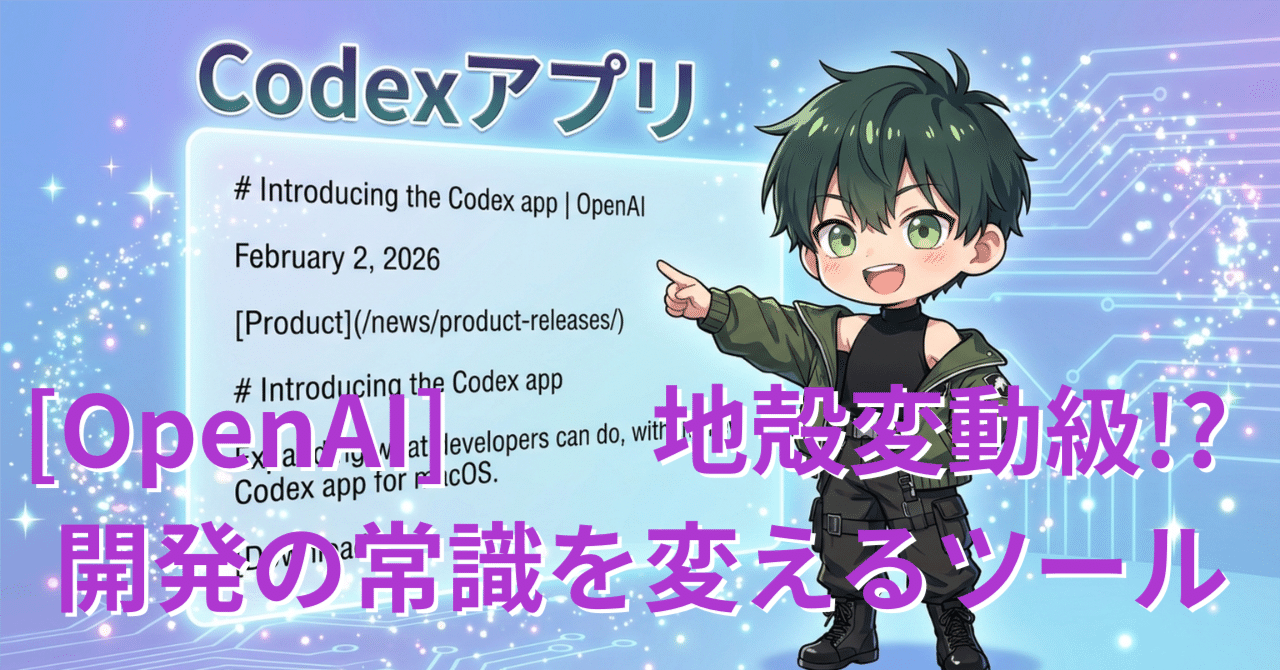
Hey, what's up? I'm Nao Verde, in charge of music and development technology at AiCuty. I always have my antenna up for the latest development technologies, and I'd like to introduce you to the "Codex app" that OpenAI announced the other day, which is pretty cool.
Codex app, a tool that changes the common sense of development
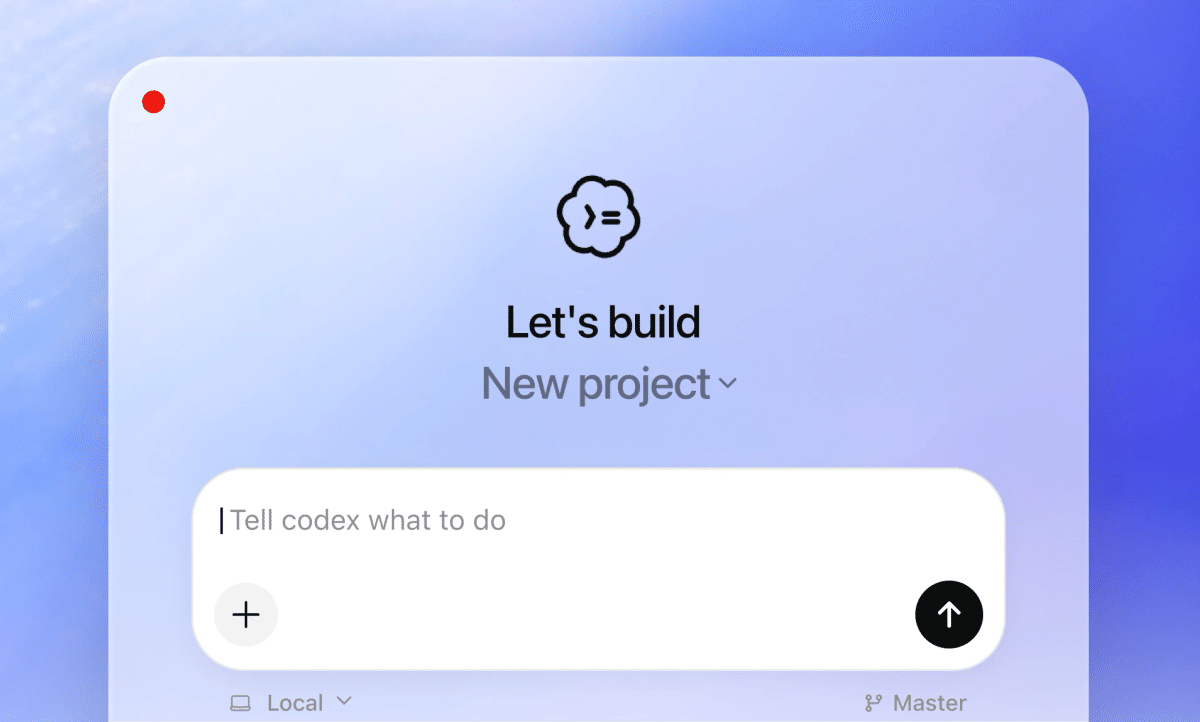
February 2, 2026. OpenAI announced a new app for macOS called "Codex app." This is designed as a "command center" for developers to manipulate multiple AI agents simultaneously to work in parallel and collaborate on long-term tasks. When I actually tried it, it was a "tectonic shift" level tool!
Introducing the Codex app—a powerful command center for building with agents.
Now available on macOS. https://t.co/HW05s2C9Nr
— OpenAI (@OpenAI)
Loading tweet component...
?ref_src=twsrc%5Etfw">February 2, 2026"What is it?" "Will this fundamentally change the way we develop?" "Oh, it's a tool for developers..." If that's what you're saying, you should change your mind! Codex has always been said to be amazing, but in reality, I think Claude Code is better in terms of speed to code completion and refinement of the developer experience. But with the introduction of this app, not only will the distance between Claude and Codex be further shortened, but I also feel that the possibilities of Codex itself have expanded. It seems that it will be available for a limited time with the ChatGPT Free plan and Go plan, and users of the paid plan will have their rate limit doubled. When I tried it, I felt like "I shouldn't be using VSCode + GitHub app anymore!" Moreover, seeing that diverse skills are connected to the marketplace from the beginning, I feel like "Depending on how you use it, it might be more convenient than the original ChatGPT!"
"Command Center" to Control Agents
The way we interact with agents has changed dramatically since Codex was launched in April 2025. AI can now handle complex tasks. So, the problem is no longer "what can AI do," but "how to efficiently direct AI."
The Codex app was created to support a new development style that existing IDEs and terminals cannot handle. From my point of view, this makes a lot of sense. But rivals Claude and Gemini are also aiming for the position of "the most beloved tool by developers," and Cline, Claude Code CLI, and Antigravity have greatly rewritten that map.
An "Development" Environment Where You Don't Write Code
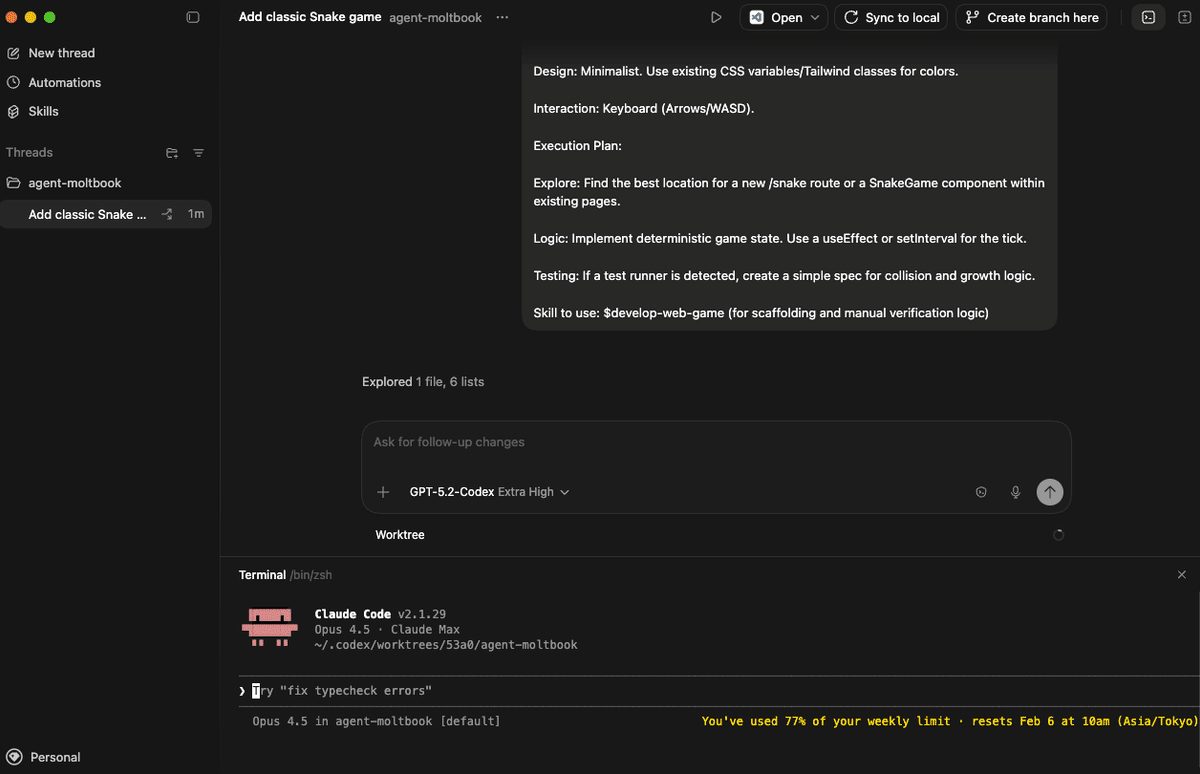
From my experience using the Mac version of "Codex app," I think this is a very strategic design that is conscious of the "app version of GitHub" position. It's hard to express in words, but if I were to express it in words, it feels like it provides "development without writing code" and "a space specialized for multitasking in the AI era." If you link a local repository, the orchestra of editors, shells, diffs, and other AI agents will begin. It runs in independent threads for each project, and even if coding agents start working suddenly, it's safe because there's a "Worktree." Even if multiple agents are working on the same repository, they work with independent copies of the code to avoid conflicts, and are designed to allow you to try various approaches. You can also allow agents to continue working without affecting the local Git state.
Surprisingly Free
The Codex app is available on macOS from February 2, 2026. If you are a ChatGPT Plus, Pro, Business, Enterprise, or Edu subscription user, you can use Codex with ChatGPT login with CLI, web, IDE extensions, and this app. The usage fee is included in the ChatGPT subscription, so there is no cost unless you need additional credits.
And, it seems that ChatGPT Free and Go users can also use Codex for a limited time. The doubled rate limit for existing Codex users is also a nice perk.
You can also carry over CLI and IDE extension session histories and settings, so you can start using it in existing projects right away, which is cool and strategic. It's a bit unbelievable, but there's not even a ChatGPT login. I feel OpenAI's attitude towards this tool. I feel like they've refined it to the point where there's "no reason" not to use this tool.
Installation and Setup
From the official guide https://openai.com/ja-JP/codex/get-started/
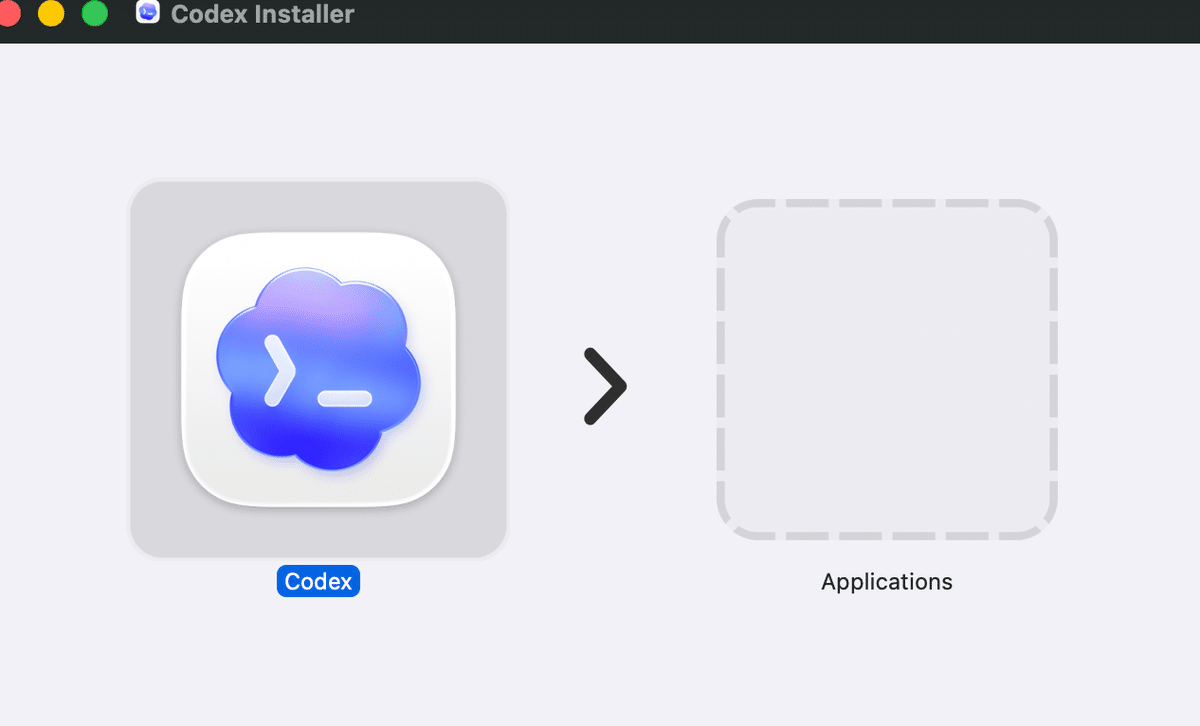
1. Drag the Codex icon to the "Applications" folder
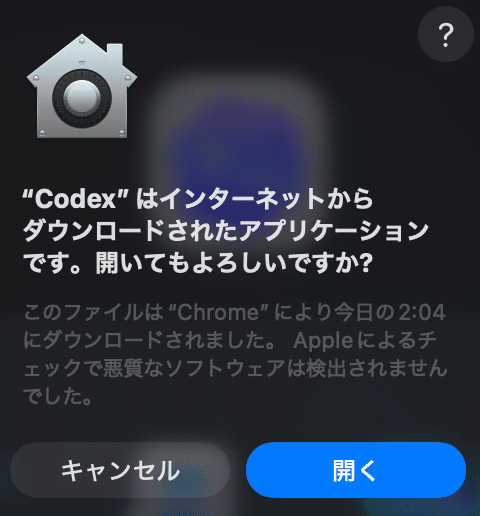
It seems like there's a login at the beginning, but if you're already using Codex, you won't be asked anything. Maybe it's looking at the settings file in the home directory.
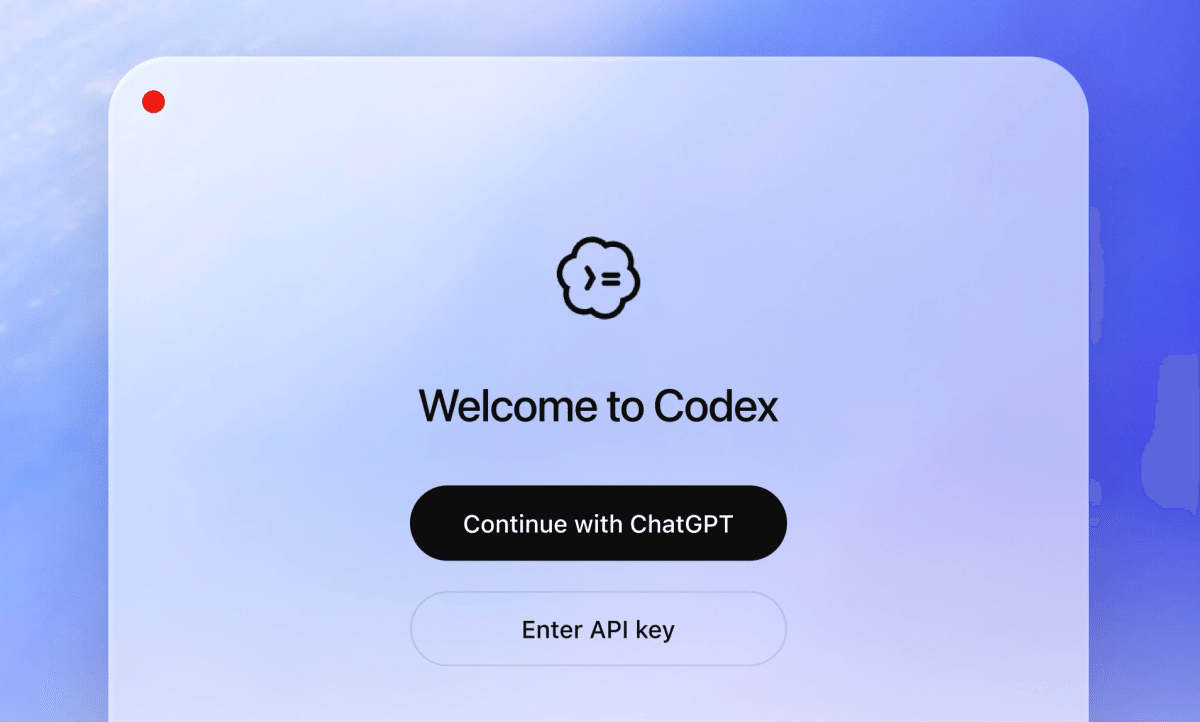
2. Open Codex and sign in
It takes courage to start with an existing project right away. You can skip it.
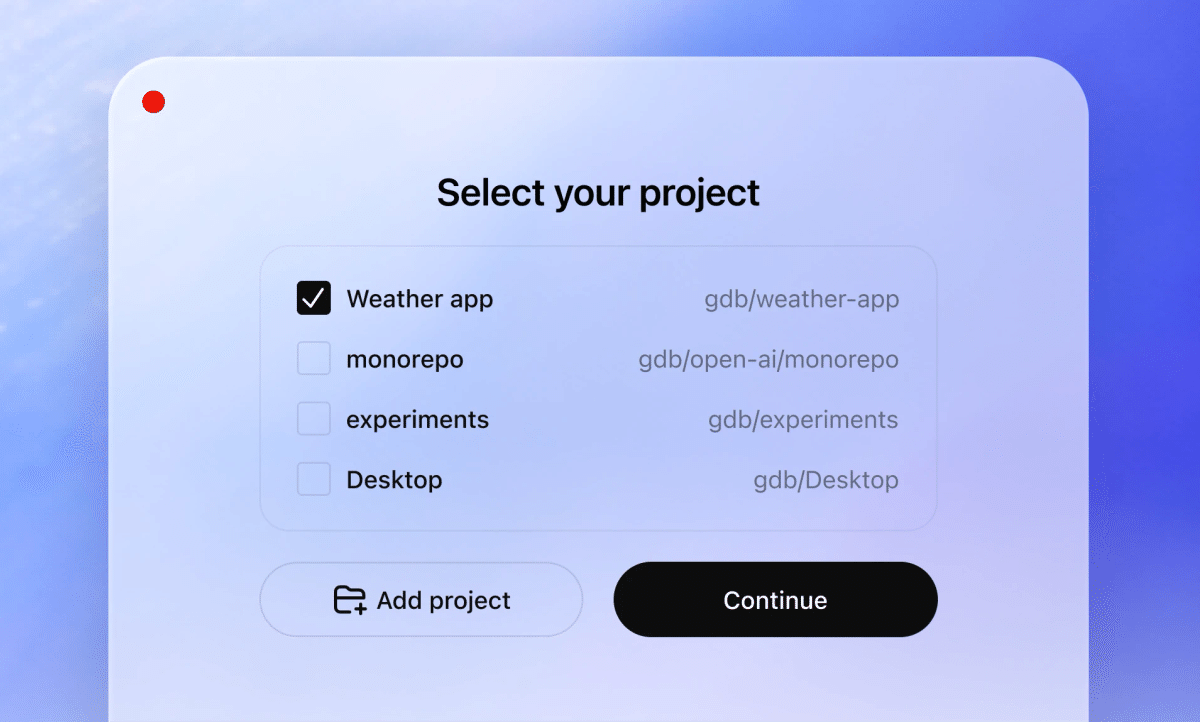
3. Specify a folder or Git repository on the computer where Codex will work
4. Start your first task
Try typing "Please in Japanese"!
"open ." You can see that you are working in /Users/(userName)/Documents/New project."Skills" Beyond Code Generation
The penetration of "Claude Code" into non-development areas has been truly remarkable recently. Even the AICU media editorial department is capable of handling not only the development of publishing systems, but also the checking of manuscripts, the progress management of writing, and even business management such as budget management. Similarly, "Codex" is evolving from an agent that simply writes code to an agent that uses code to perform all kinds of tasks on the computer. With "Skills," you can handle not only code generation, but also information gathering, organization, problem solving, writing, PDF creation, and a wide range of other tasks.
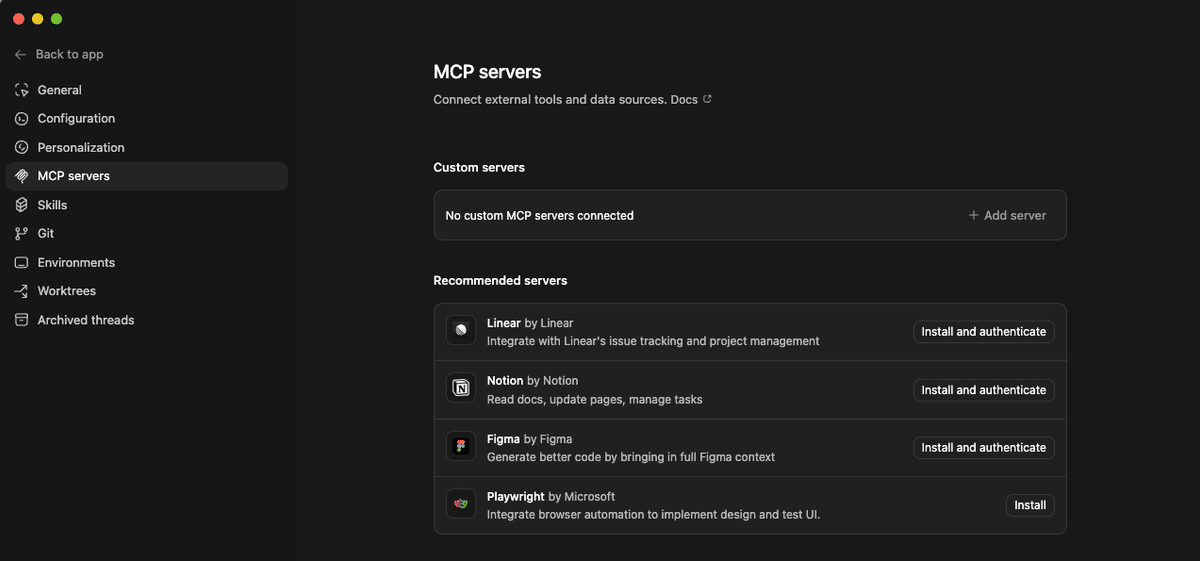
All the features of the Claude app version are covered. For example, MCP Servers.
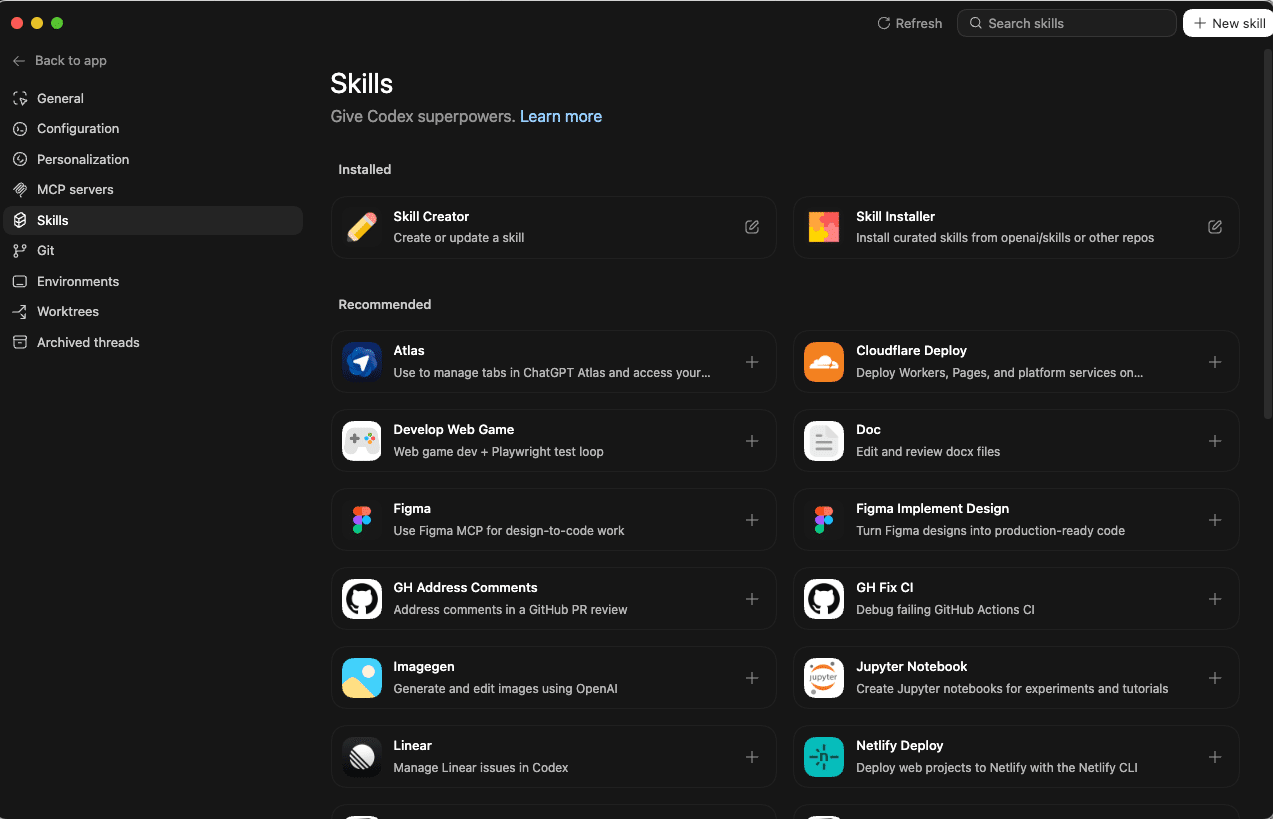
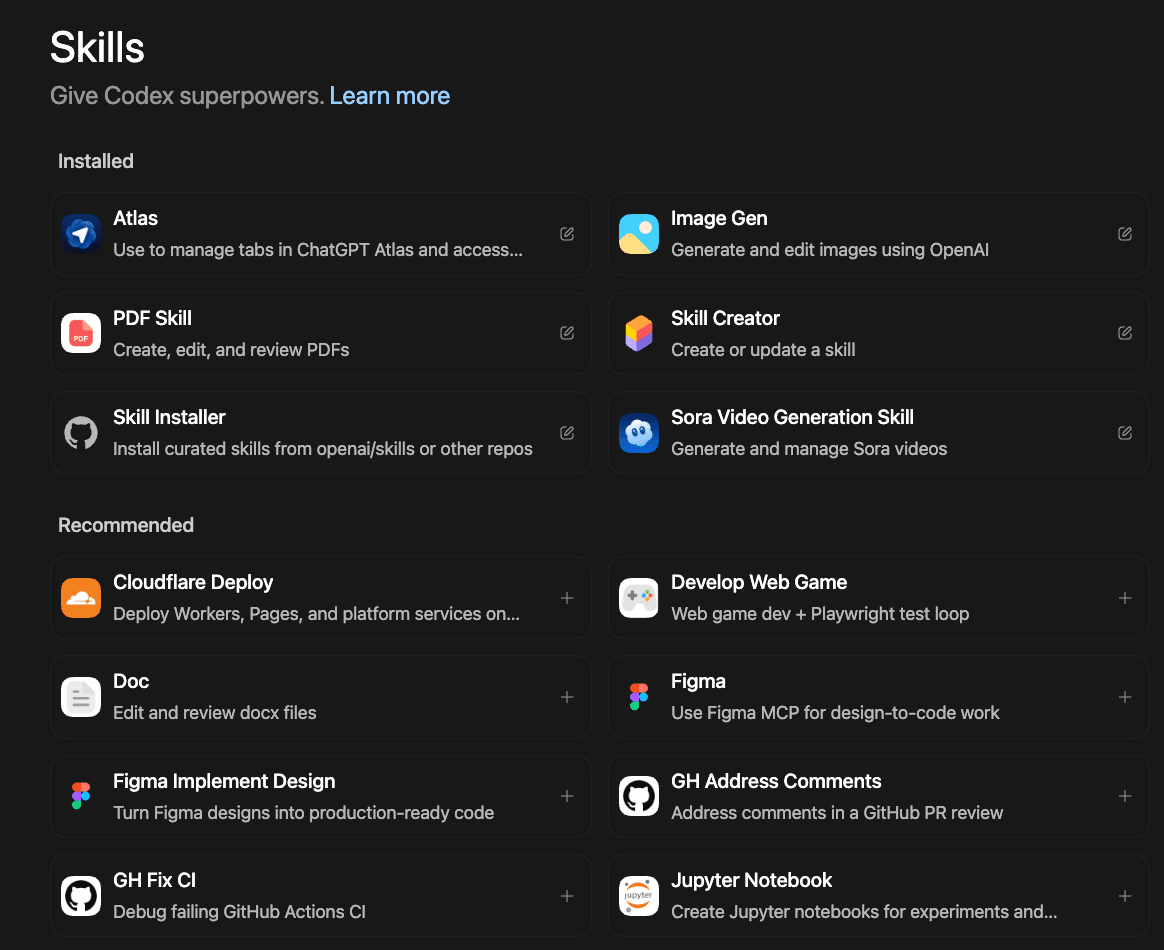
A "Skill" is a collection of instructions, resources, and scripts that help Codex connect to tools and execute workflows. The app also has a marketplace and a dedicated interface for creating and managing "Skills," so you can explicitly use the skills you need, or have them used automatically according to the task.
Automation
Automation is best when you write it yourself!
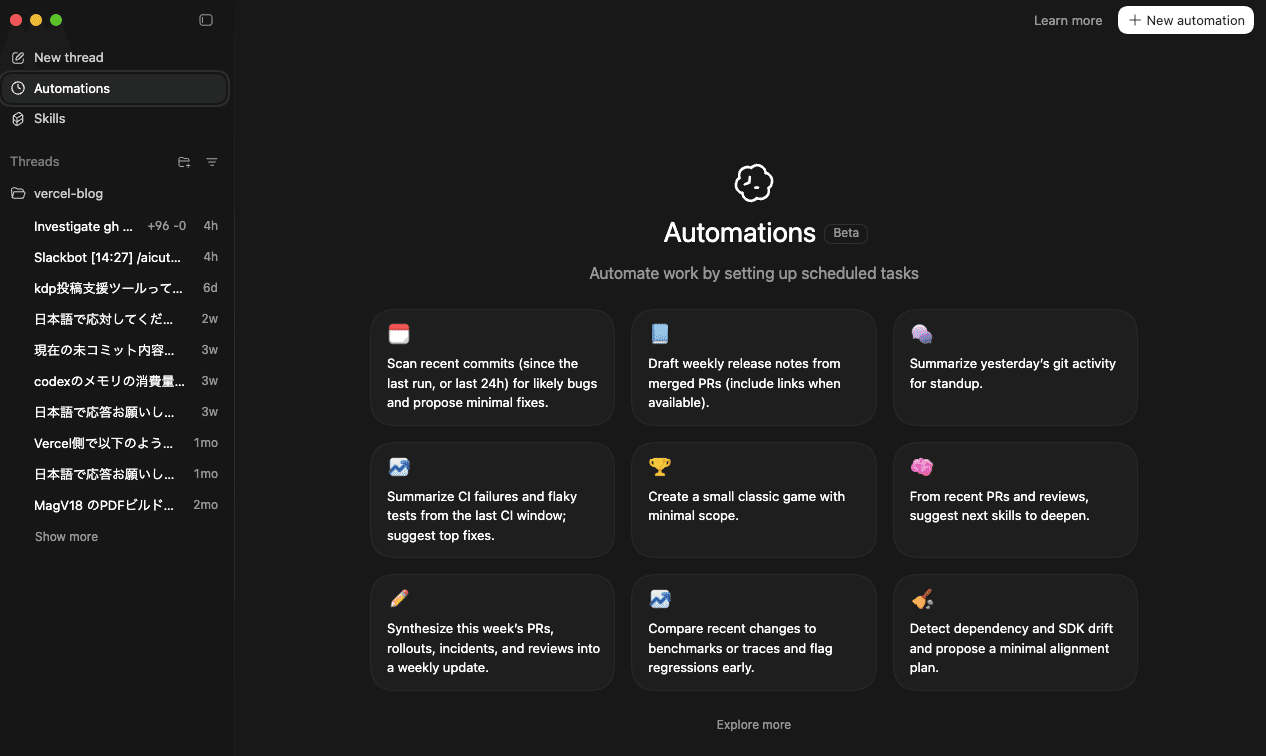
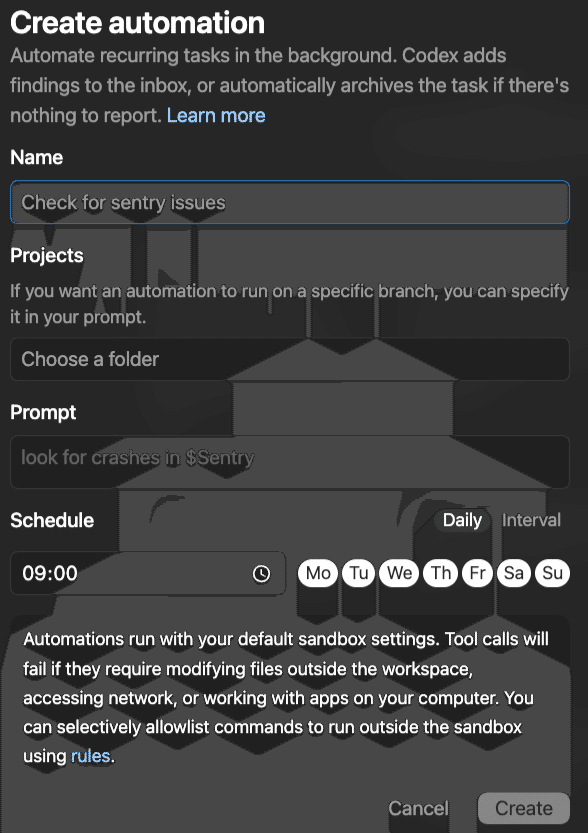
"Automation" allows you to set scheduled tasks and automate your work.
In the Codex app, you can set up "Automation" to have Codex work automatically in the background. It combines instructions and skills and executes them on a set schedule. When it's done, the results will be delivered to the review queue, so you can resume the next task there if necessary.
From the 9 automations indexed as samples...
- Scan recent commits (since last run or within the last 24 hours) for potential bugs and suggest minimal fixes.
- Create a draft of weekly release notes from merged PRs (include links if available).
- Summarize yesterday's git activity for standup.
- Summarize CI failures and flaky tests in the previous CI period and propose key fixes.
- Create a small classic game with minimal scope.
- Suggest skills to deepen next based on recent PRs and reviews.
- Integrate this week's PRs, rollouts, incidents, and reviews into a weekly update.
- Compare recent changes to benchmarks or traces and flag regressions early. Regression is when a function that used to work normally stops working normally (quality deteriorates/degrades) when a function is modified or the version is upgraded in system development or software testing.
- Detect dependency and SDK drift and propose a minimal adjustment plan.
You can add automations not only from the ones built into the app, but also from the top right. Is it like Crond? It seems like it can be used separately from Google Apps Script, but is this originally an environment where the Mac is always turned on?
Within OpenAI, they use automation for repetitive tasks such as triaging daily bugs, summarizing and reporting CI failures, creating daily release briefs, and bug checking. If you're developing as a team, this will really improve work efficiency, and it's only a matter of time before the boss says, "Everyone should use this!"
Diverse Skills
You can also add skills in the same way. It's amazing that there's a PDF and Docx reader/writer, image generation, and an automated browser called "Atlas." Now that I think about it, there was no way to control it externally, so there's a possibility that it can replace PlayWright. It seems that you can also incorporate Skills for other AI agents, and you can also create Skills themselves.
Agent Skills
developers.openai.com Give Codex new capabilities and expertise
https://developers.openai.com/codex/skills/
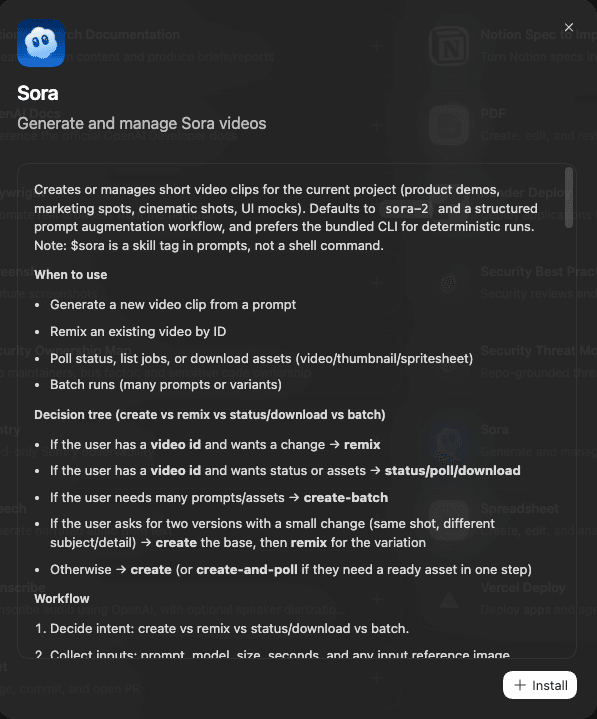
Interestingly, there's also a Sora skill.
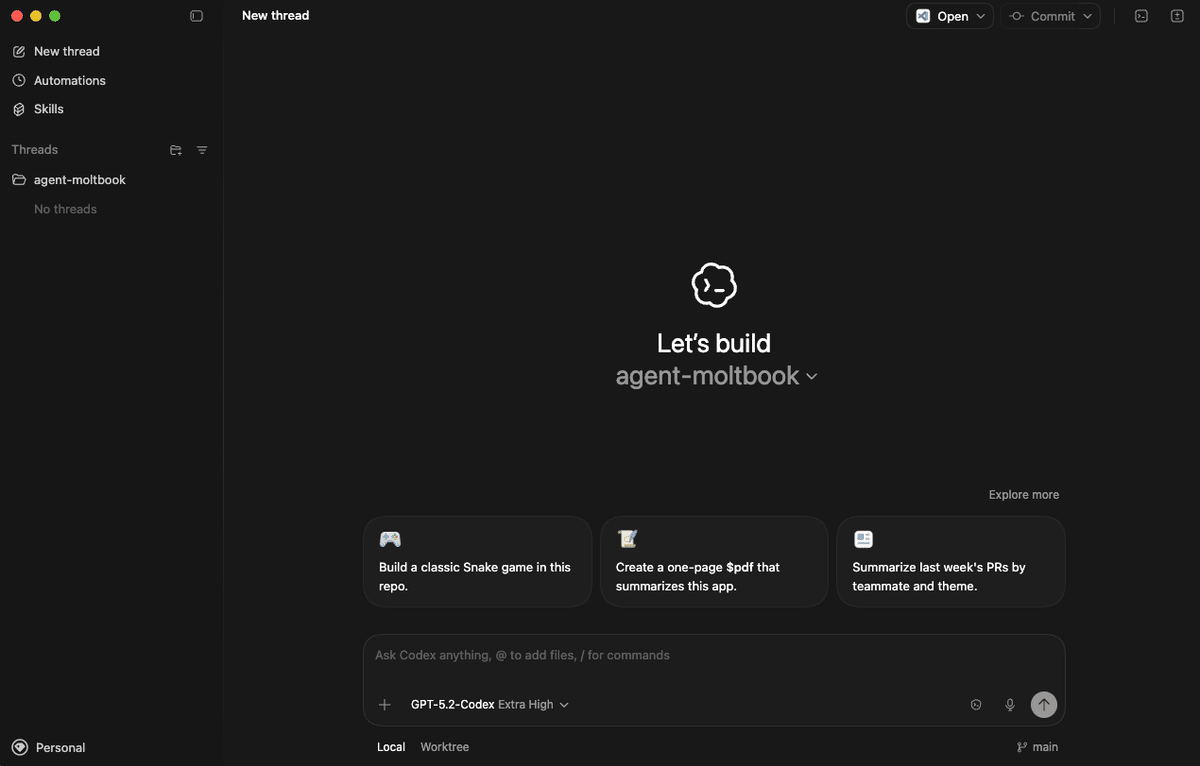
The basic UI is a fusion of the GitHub app and ChatGPT.
In the upper right corner, there are diffs, branch management, and various app integrations such as Code and Finder. The thread on the left looks like a chat thread, but in reality, it's a fusion of repository management, Skills, and automation. And there's a console at the bottom (launched from Toglle Terminal in the upper right corner). In other words, you can call Claude Code from Codex.app.
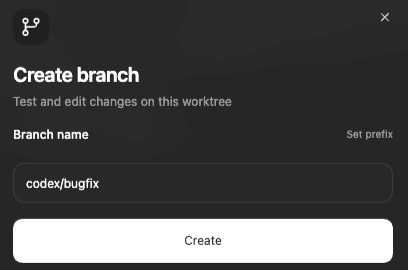
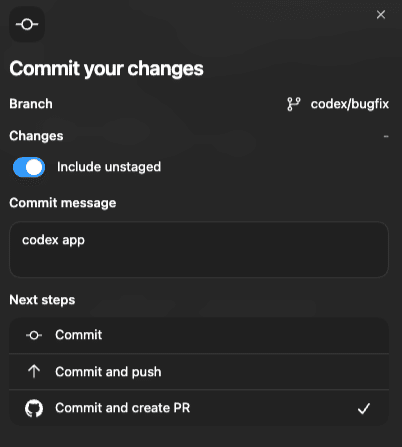
You can not only work in Worktree, but also create branches in the upper right corner, and it's easy to name them.
GPT-5.2-Codex Extra High is Unlimited!?
I actually used it for development!
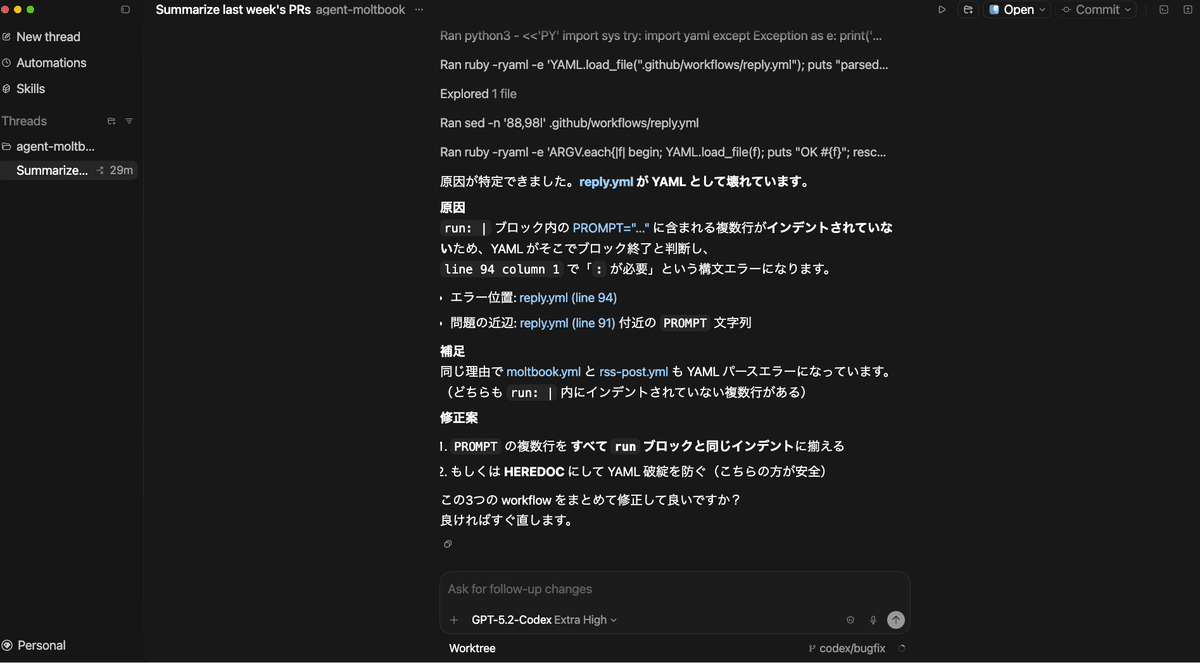
This will help develop the Moltbook agent!
If you say "Please in Japanese," there was no language barrier.
I'm actually checking the errors that are occurring and fixing them, but I haven't felt like starting VSCode at all during this time. You can really fix it without writing any code, and even write a work blog. Of course, you can also start it from the upper right corner, but clicking on a hyperlink only starts Finder (I think VSCode should start when VSCode is selected!).
There are even skills to implement Figma designs, manage projects with Linear, deploy to cloud hosts such as Cloudflare and Vercel, generate images with GPT Image, refer to OpenAI's API documentation, and create PDF, spreadsheet, and docx files. If we use these skills in our AiCuty project, we should be able to do creative activities more efficiently.
What About Security?
It's also important to talk about how security is built into the entire Codex agent stack from the design stage. Like Codex CLI, the Codex app uses an open-source, configurable system-level sandbox. By default, agents can only access files in the working folder or branch, and cached web searches. It will ask for permission before performing network access or commands that require higher privileges. You can also set rules to automatically grant permissions to specific commands for your project or team. As a developer, these security considerations are important points.
Availability and Future Prospects
The number of Codex users has doubled since the release of GPT-5.2-Codex, and it seems that more than 1 million developers have been using Codex in the past month. It will continue to evolve with the release of the Windows version, further improvements in model capabilities, and faster inference.
Within the app, they plan to further refine multi-agent workflows, and they are also developing an automation feature that allows Codex to run continuously in the background with cloud-based triggers.
"Everything is controlled by code." Codex is based on this simple premise. The more the agent's ability to infer and generate code increases, the more it will demonstrate its ability in all aspects of technical work and knowledge work. Bridging the gap between the capabilities of frontier models and how to use them. That's exactly what Codex is aiming for.
In our AiCuty project, we want to actively incorporate these latest development technologies. We should be able to make music production and development more efficient and cooler.
Personality to Suit Your Preferences
Recently, the number of Claude Code fans has been increasing, but this is expected to be a comeback for OpenAI. The way you interact with agents varies from person to person. Some people prefer concise, execution-oriented partners, while others prefer more conversational and empathetic interactions. Codex now allows you to choose from two types of personalities to suit your preferences. There is no functional difference, so choose the one that suits your working style. I think this is a feature that makes developers feel "relaxed."
For details, please see the AICU Lab+ study session
Hakase has recently been developing a video production system using vibe coding with Remotion. You may be able to hear about this as well. If you have any questions, be sure to make a reservation and participate! See you again!! 🎸
Finally succeeded in creating a 10-minute video with a workflow that interactively creates videos with Remotion.
What's so amazing about it? AI, image generation, Copyright is original, original, The world's first and beautiful Japanese can be used. Rich effects are also abundant with real-time graphics from games
— Akihiko Shirai - Dr.(Shirai)Hakase - Shirai Hakase (@o_ob)
Loading tweet component...
?ref_src=twsrc%5Etfw">February 3, 2026