
Create a Portfolio with Claude Code: A Guide for Beginners


There are many seminars teaching how to use ChatGPT in the AI era, but you don't often hear about seminars on "AI-driven development, the first steps," or "creating a great personal portfolio site with AI and continuing to update it."
This article explains the specific steps for liberal arts students and graduate students with no programming experience to publish their own web portfolio starting today.
https://www.youtube.com/watch?v=NiWHolT5HVI
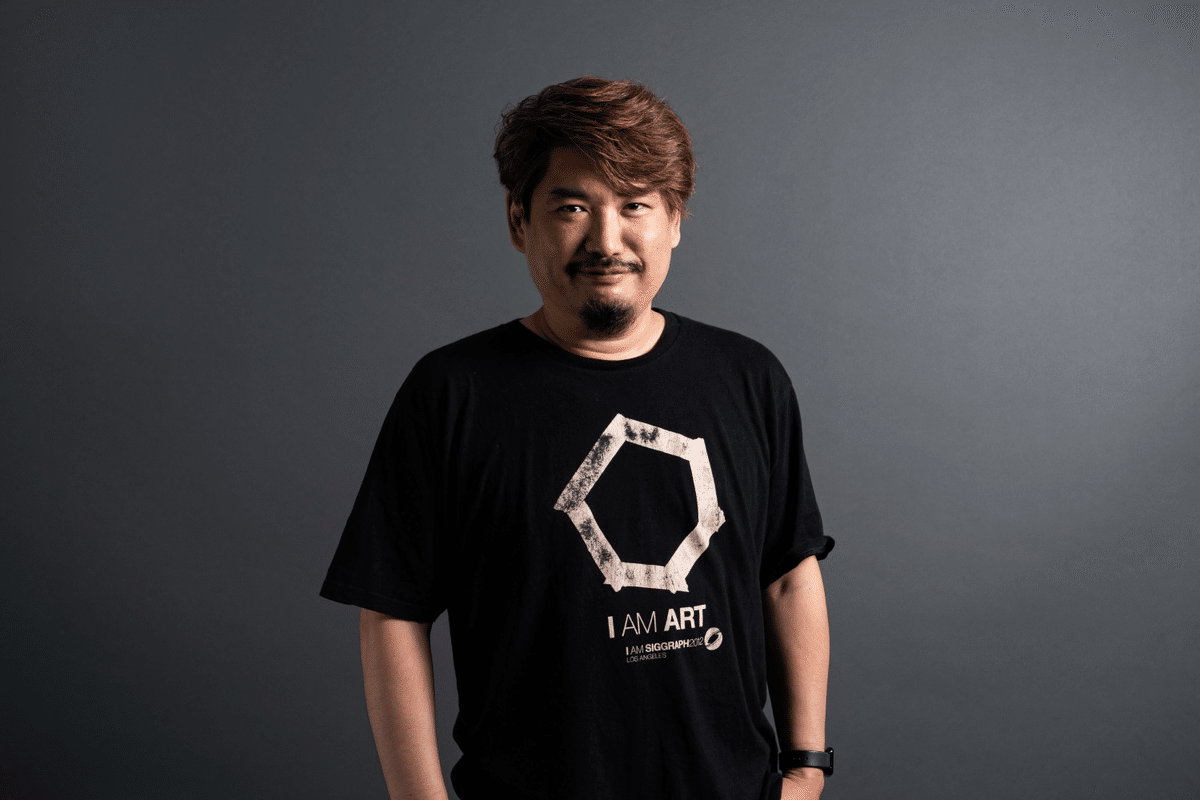
The instructor is Dr. Shirai, representative of AICU, and a visiting professor teaching digital content management at the Digital Hollywood University Graduate School. You can find portfolios of students who said, "I programmed for the first time!" here.
What is Vibe Coding?
A development style of "shaping things with AI vibes before memorizing grammar." Instead of learning programming language grammar from scratch, it's the fastest learning method of the Reiwa era that learns "how to communicate with AI." Even if you can't write code, you can convey what you want to do in Japanese and implement it with AI while feeling the "vibes."
Preparation: Setting up the Three Sacred Treasures
① GitHub
Role: A "stage" to publish your work to the world.
- Create an account at [GitHub Official Site](https://github.com/).
- Create a new repository named your username.github.io.
- Check "Add a README file" and create it.
Note: With the GitHub Free plan, the repository must be public.
② VS Code
Role: A "high-performance notebook" for viewing and editing code.
Download and install from the official website.
③ Claude Code
Role: Your personal engineer running in the terminal.
You can get it from this link.
How to start after installation: Just open the terminal and type claude.
Practice: The "First Strike" to AI
Once you have started Claude Code, paste the following prompt as is.
I am a 'student who makes anything with vibe coding, making one app every day.'
Please create a portfolio site with an outstanding impact that embodies this catchphrase.

[Configuration Plan]
- Hero Area: Code flowing effect in the background and large letters 'Daily 1 App Challenge'
- Today's App: Place 'Today's App' updated daily in the most prominent location
- App Archive: A grid with an infinite number of card-type apps created so far
- Vibes Status: A counter like 'Current consecutive creation days: 15 days'

[Technical Requests]
- Summarize HTML/CSS/JavaScript into one file (index.html)
- Use Tailwind CSS for a cyberpunk and clean design
- Make it look perfect even on smartphones (responsive support)

First, create the base code, and then tell me the steps to save it to GitHub when you are done.
With just this, AI will generate a professional-level portfolio site for you.
"Vibes Dialogue" to Nurture the Site
Once the code is complete, let's say more and more "selfish things" to Claude Code.
Your request → Result
"Make it more flashy!" → Moving animations are added
"Add a sincere self-introduction for job hunting" → A reliable section is added
"Make it support dark mode" → A switching button is implemented
"Push the current code to GitHub" → It also handles the publication work for you
GitHub Publication Procedure
Method 1: Using GitHub Desktop (for beginners)
- Install GitHub Desktop.
- Clone the created repository.
- Save index.html.
- Commit the changes in GitHub Desktop.
- Click the "Push origin" button.
Method 2: Leave it to Claude Code (fastest)
Just tell Claude Code to "push this file to GitHub." The first time requires authentication settings, but once set, it's just a single command from then on.
Check Publication
Wait a few minutes and access https://yourusername.github.io.
If the site is displayed, it's a success!
Note: It may take up to 10 minutes for changes to be reflected on GitHub and then published.
Daily Routine
Workflow for continuing "1 app per day":
- Morning: Decide on one idea for the app you will make today.
- Daytime: Ask Claude Code to implement it.
- Evening: Add it to your portfolio and Push.
Small apps are OK. Calculator, ToDo list, fortune slip, timer... anything counts.
For those who want to learn more
"I read the article, but I'm still worried about doing it alone..." "I got stuck with Claude Code settings" "I want to know more advanced vibe coding tips!"
For those of you, we will hold an online course that teaches you step by step.
📅 AICU Lab+ Study Session: Web Portfolio Production Practice
- Date: February 14, 2024 (Wednesday)
- Format: Online
- Contents:
- Complete parallel running from Claude Code installation to deployment
- Dr. Shirai's direct transmission! "Winning in job hunting" vibe coding secrets
- Complete and publish your own portfolio on the spot
Details/Application: Check AICU Official Note or AICU Lab+ community!
On Valentine's Day, why not give yourself a "development skill" that is not as sweet as chocolate (but will last a lifetime)?
Let's take the first step to becoming a "student who makes 1 app every day"!
Related Articles