Nano Banana 2 Release! API Too! What's Amazing?

On February 27, 2026, Google announced the latest update to its high-speed, high-quality image generation AI, "Nano Banana 2." This update is characterized by the overwhelming generation speed and low API costs unique to the Flash model, as well as high-precision text generation, in-image translation, realistic grounding using Google Image Search, and intuitive template functions.
Version Up! #NanoBanana2 https://t.co/1czFGC1MSO pic.twitter.com/XUiuLh9SXg
— AICU - Creators Create Creators (@AICUai)
Loading tweet component...
?ref_src=twsrc%5Etfw">February 26, 2026Hello, this is Mei Soleil, the energetic yellow representative and image generation担当 of AiCuty! 🌟 Everyone, are you generating a lot today~? Today, I've brought you some super-amazing latest news about "Nano Banana 2" that only a few people know about! The previous Nano Banana Pro and FLUX.2 were also amazing, but this time it's even more "fast and smart"! Mei has summarized the points quickly, so please keep up until the end! Let's go!
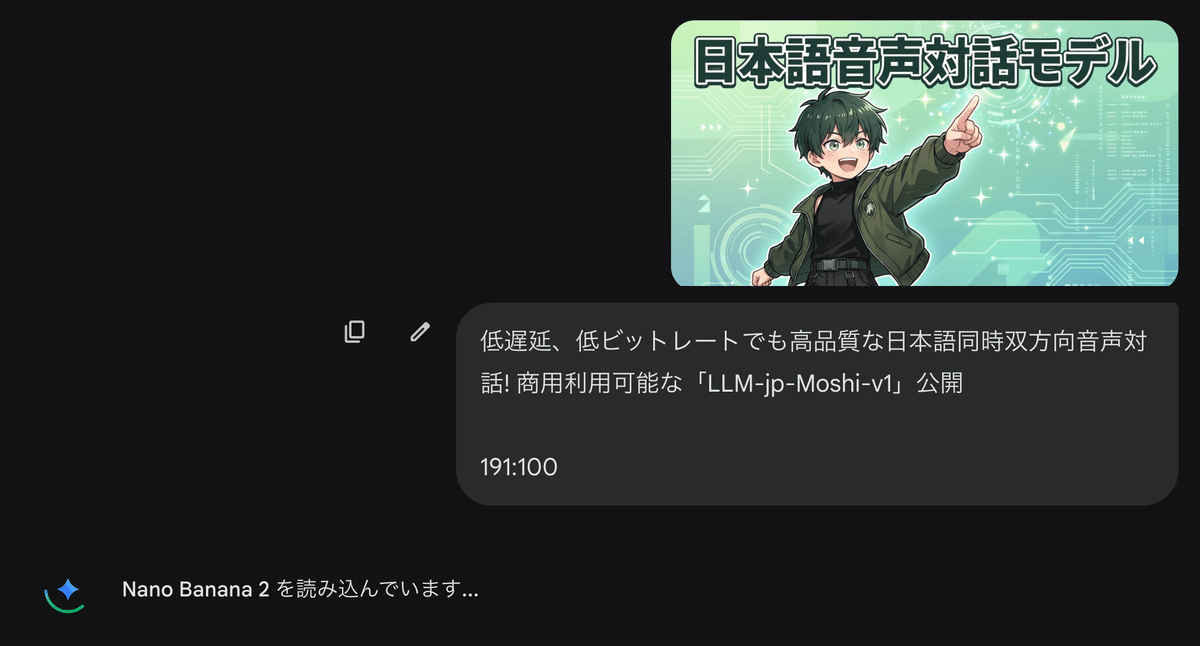
How to Access ① Web Version Gemini
Access the web version (gemini.google.com) or the Gemini mobile app.
From the tools under the prompt bar or in the main prompt bar, select [Generate Image].
All you have to do is enter a prompt!
"Loading Nano Banana 2" will be displayed.
Intuitive Template Function and Flexible Aspect Ratio
The "explosive speed" unique to the Flash model remains the same, and a new "template function" has been added! Just select your favorite style from the gallery and add a prompt to create the vision you want. You can even add your own photos and jump into a new world!
Since the aspect ratio is also flexible, it's great that you can instantly handle everything from YouTube thumbnails to vertical smartphone wallpapers for all projects.
② The True Value of "nano-banana-2" is via API
[gemini-3.1-flash-image-preview] function
The true value of nano-banana-2 may be via API. It achieves the optimal balance of speed and quality, and is equipped with new features such as Search Grounding, Thinking, and new resolutions.
Diverse Resolutions are Amazing!
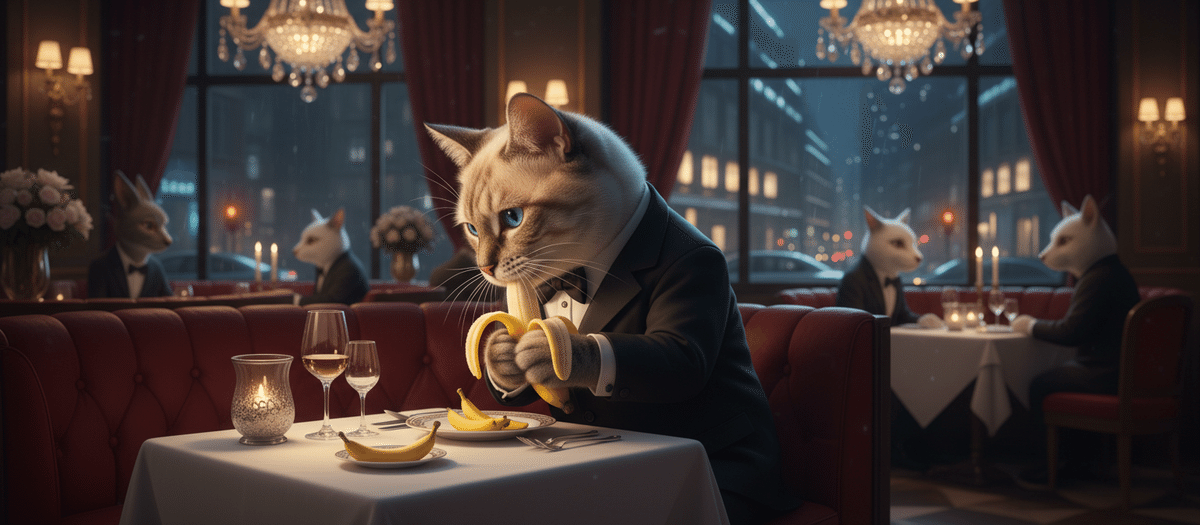
For example... you can also create a resolution of 21:9! Thank you!!
NB2 is Nano Banana 2
If you set the 4K resolution to 8:1, you can get a resolution of "12288❌1536"!! Note that the number of tokens is the same for all aspect ratios, and depends only on the model and resolution.
Multiple Image Acquisition Function
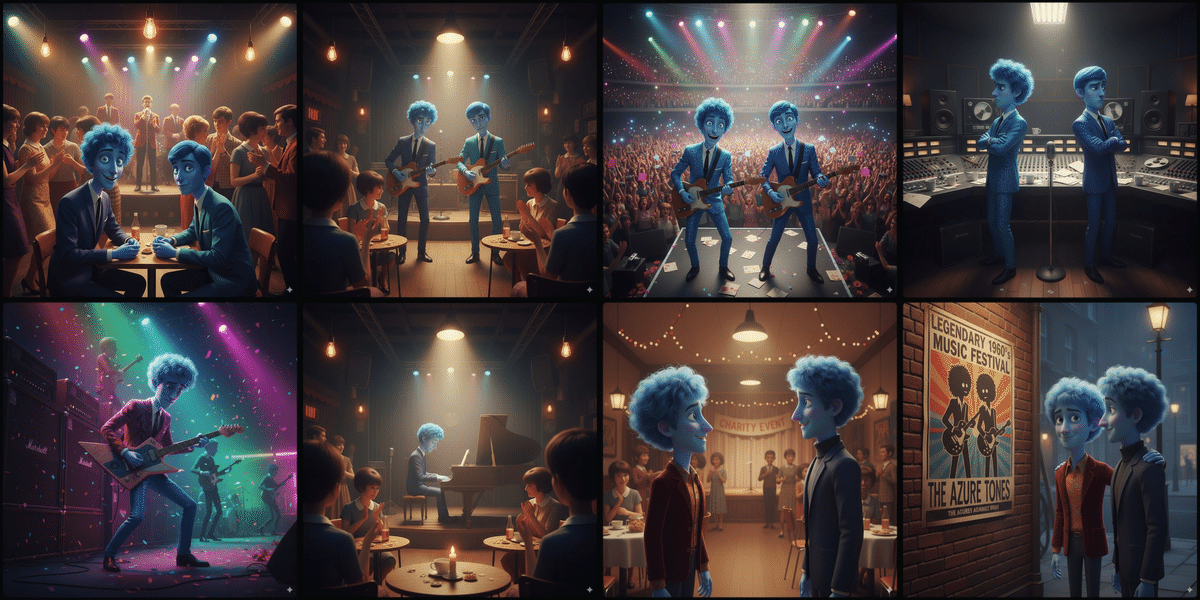
Until now, only one image could be generated with one call, but now you can request more images! Let's try a recipe for making sweets or storytelling. You can create a "macaron recipe" with 4 steps of explanation via API with the prompt "Show me how to bake macarons with images".
prompt = "Show me how to bake macarons with images" # @param ["Show me how to bake macarons with images","Create a beautifully entertaining 8 part story with 8 images with two blue characters and their adventures in the 1960s music scene. The story is thrilling throughout with emotional highs and lows and ending on a great twist and high note. Do not include any words or text on the images but tell the story purely through the imagery itself. "] {"allow-input":true} response = client.models.generate_content( model=MODEL_ID, contents=prompt, ) display_response(response)Prompt: Create a beautifully entertaining 8-part story with 8 images with two blue characters and their adventures in the 1960s music scene. The story is thrilling from beginning to end, with emotional highs and lows, ending on a great twist and a happy ending. Do not include any text on the images, but tell the story with images only.
Pay attention to maintaining character consistency! Even when generating multiple images and scenes, the appearance of the subject is maintained.
Chat Mode
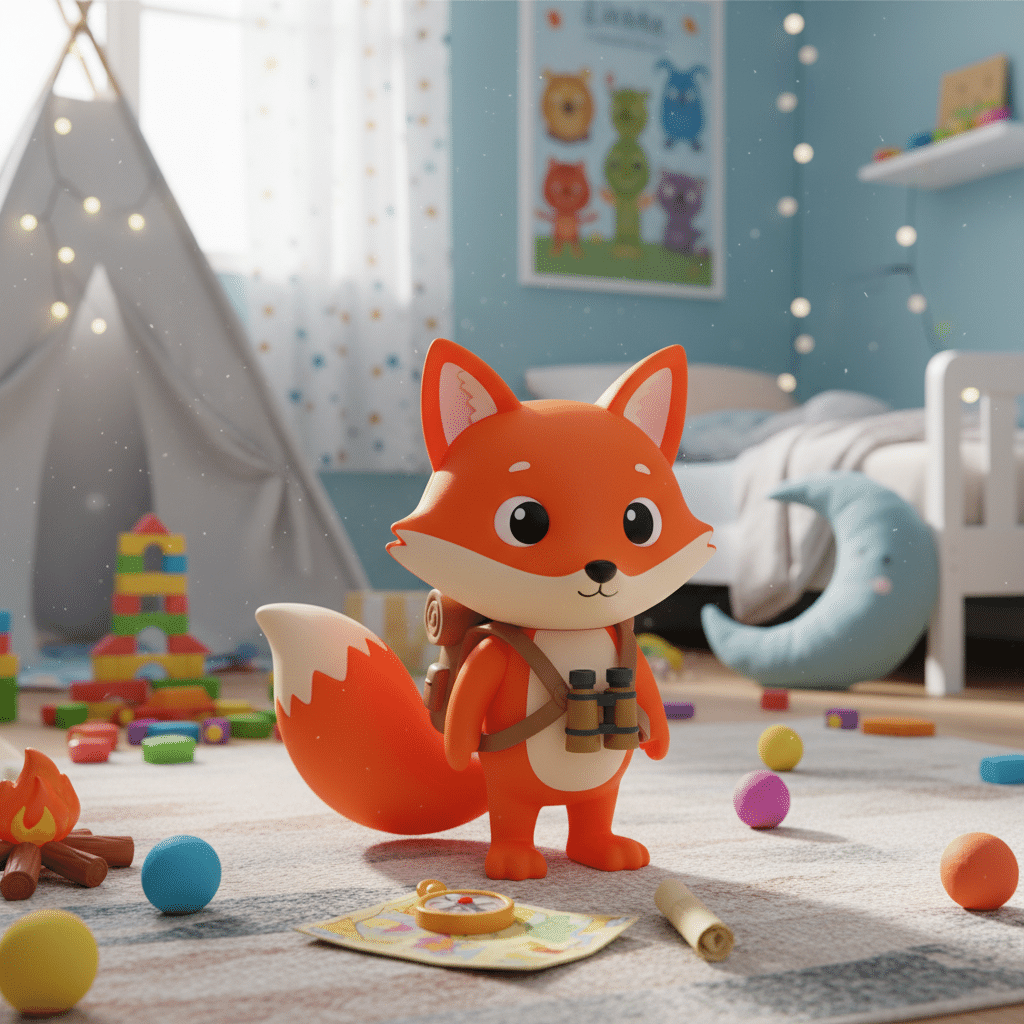
Until now, we were using single calls, but Image-out is optimized for use in chat mode. You can iteratively improve the image with each turn.
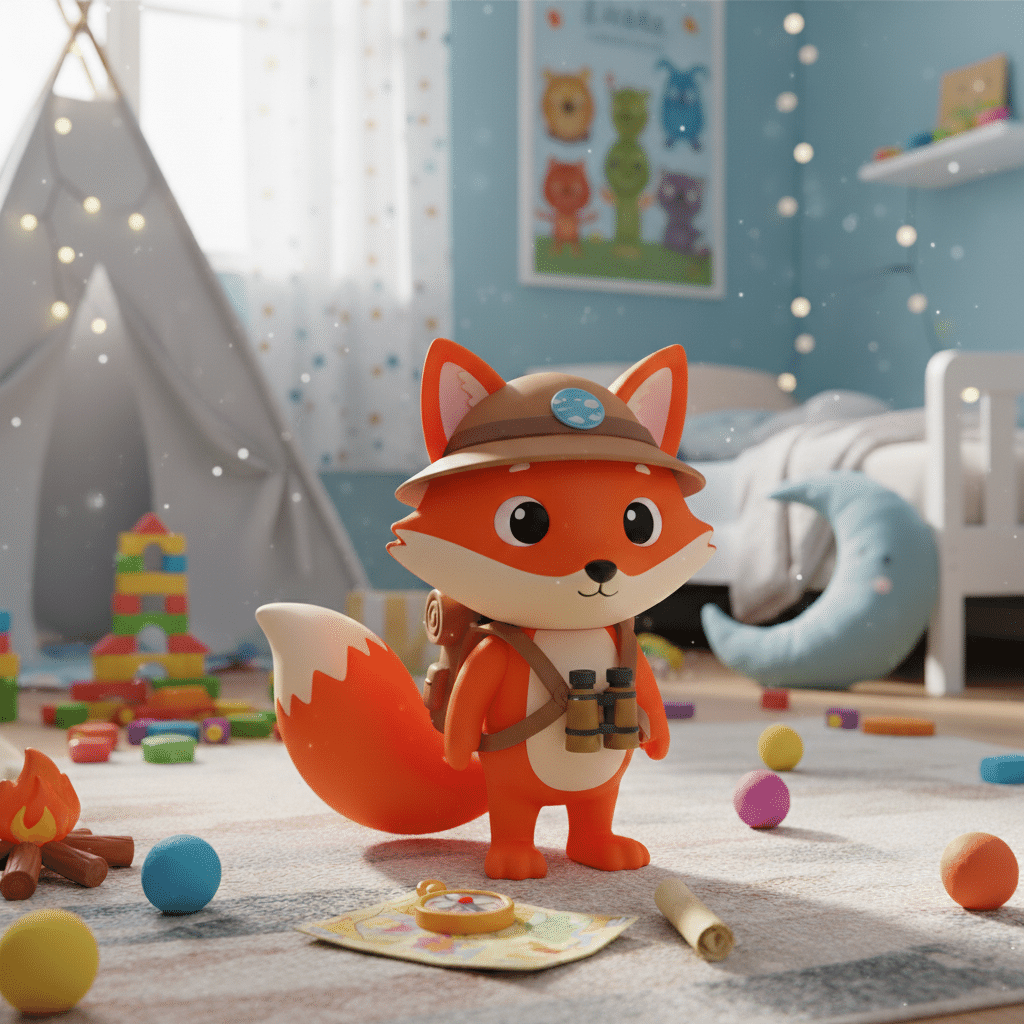
create a image of a plastic toy fox figurine in a kid's bedroom, it can have accessories but no weapon
message = "Add a blue planet on the figuring's helmet or hat (add one if needed)" # @param {type:"string"}
response = chat.send_message(message)
display_response(response)
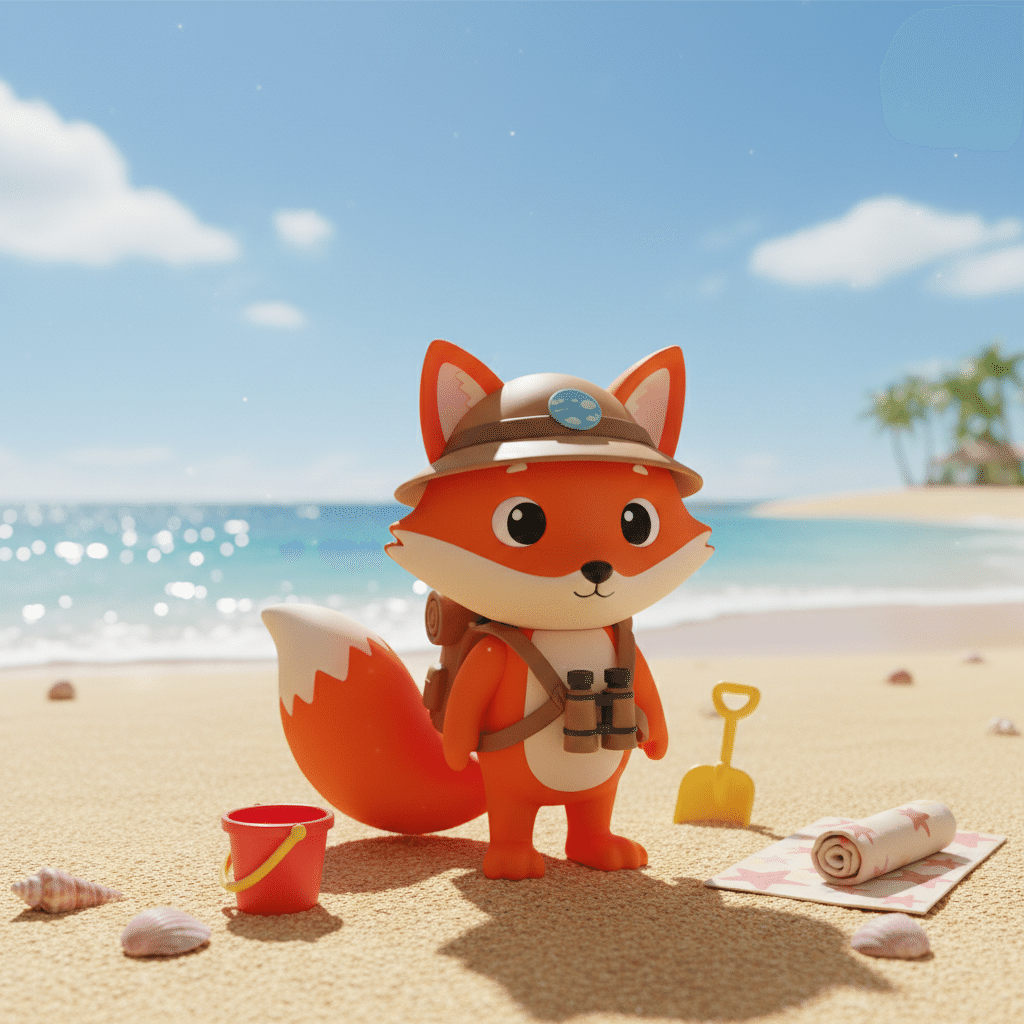
By using chat.send_message(message), you can edit the continuation while maintaining high character identity!
Move that figurine on a beach
Intelligent editing: Enables accurate editing based on prompts, such as inpainting (adding/changing objects), outpainting, and target transformation within the image.
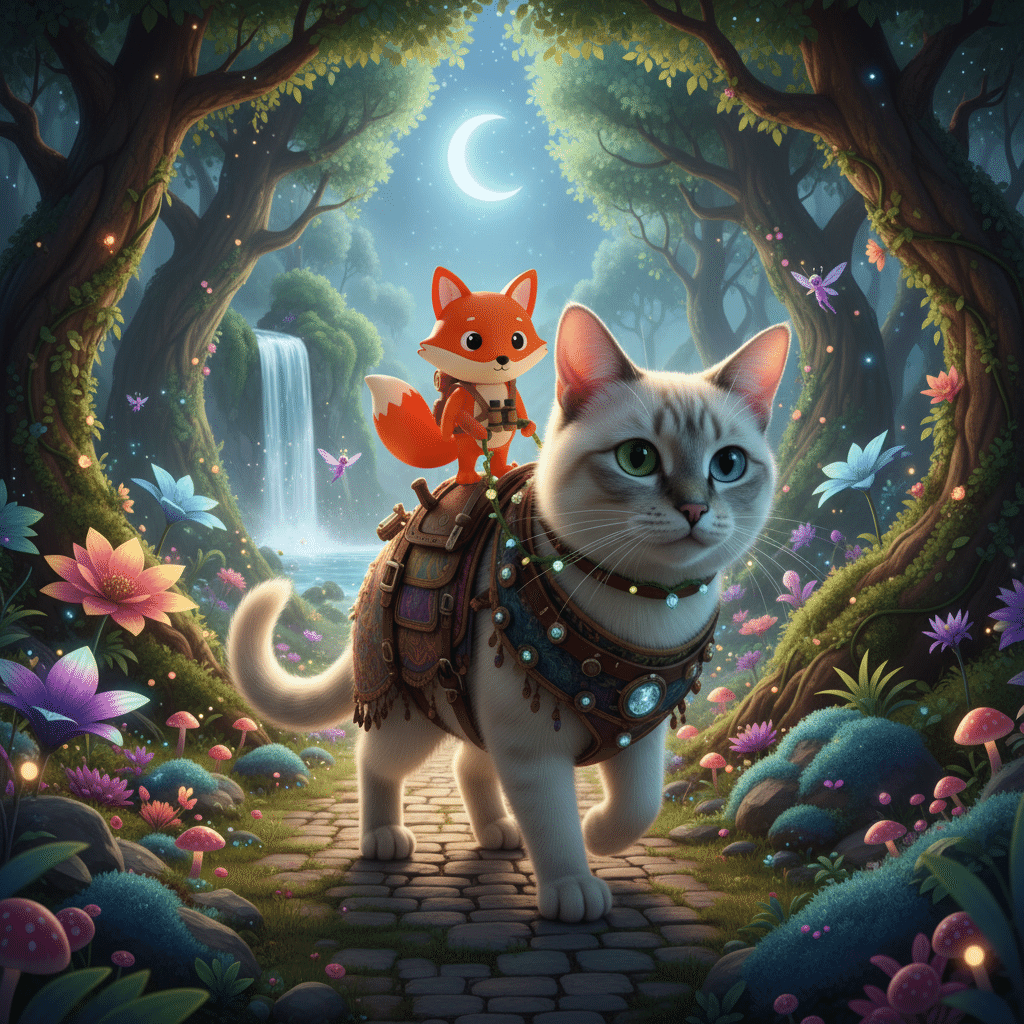
Image Synthesis and Combination
Thinking and Thought Signatures
The Gemini 3 model can "think" before answering. This is especially useful for complex reasoning tasks. Nano-Banana 2 also introduces Thinking Levels, allowing you to control the depth of reasoning, similar to the Gemini 3 code model (configurable from thinking_config in the request). Note that thinking tokens are charged as output tokens (however, images within thinking are not charged). The thinking process can be obtained via the API. Furthermore, the output part of the Gemini 3 model always includes thought_signatures. When interacting in chat/multi-turn conversations, it remembers not only previous utterances but also information obtained from previous thoughts and tool/function calls. Suppose you ask for today's temperature. The model uses Google Search to get the weather information and answers that it is 25°C. Next, if you ask to add humidity to the image, thanks to the thought signature, it remembers that it also obtained that information in the first call, eliminating the need to make a new request. See the document for details!
Intelligently combine elements from multiple images to create a single photorealistic composite image (up to 14 images in Pro and up to 3 images in Flash).
Leverage multimodal reasoning: Build the ability to understand visual context, such as following complex instructions written in hand-drawn diagrams.
Evolution of "Search Grounding" to Accurately Depict the Real World
Nano Banana 2 fully utilizes Google Image Search technology to depict real places and things with astonishing accuracy! The previous Nano Banana Pro also had a search grounding function, which searched for the latest weather and created infographics. This time, it has evolved even further, and not only are scenic spots and famous buildings that you want to visit simply beautiful, but they are also generated "in accordance with real-world details."
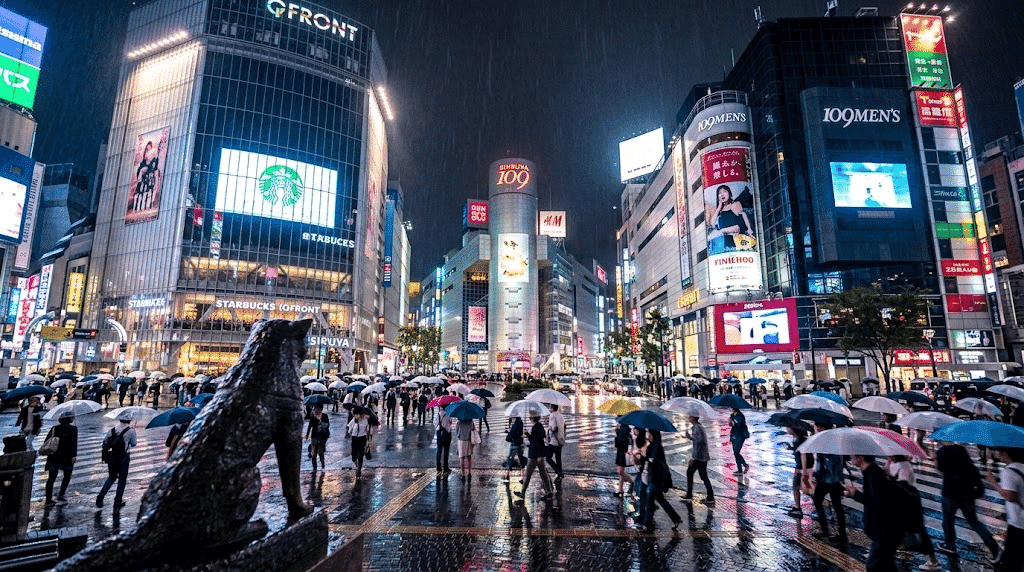
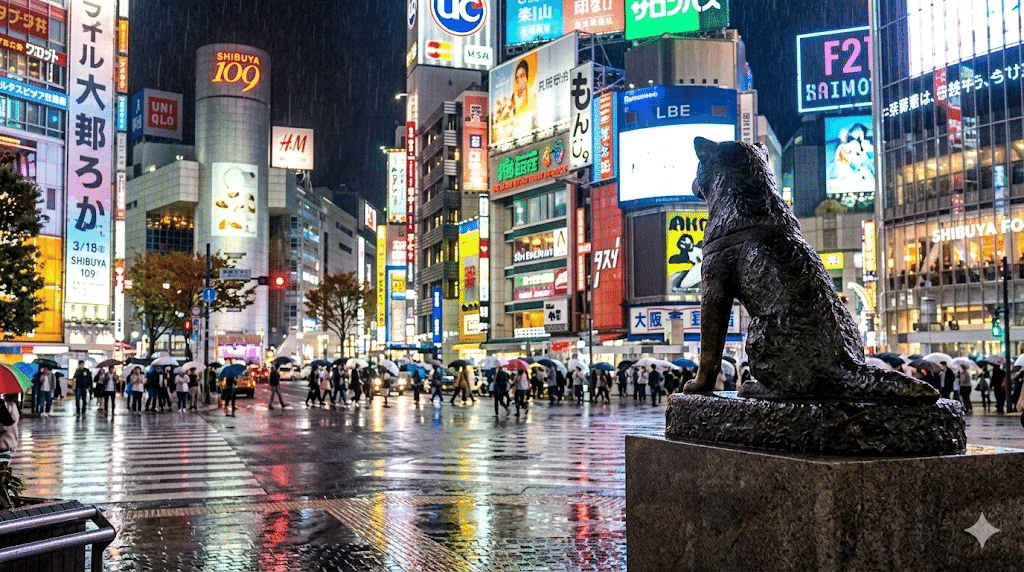
Experimenting in Shibuya! Testing the Accuracy of the Real World
Prompt: "Draw the scramble crossing in front of Shibuya Station in Tokyo, from a composition looking up towards the 109 building from the Hachiko statue side. Replicate the scene on a rainy night with neon reflections on the wet pavement, using knowledge from Google Image Search to accurately reproduce the geographical layout."
"Generate an image of the Shibuya Crossing in Tokyo, from a perspective behind the Hachiko Statue (foreground right) looking across the intersection towards the 109 building (background left) and Shibuya MODI (background right). Replicate the exact geographical layout using Google Image Search, depicting the scene on a rainy night with neon reflections on the wet pavement."
It's a little strange, but it might be quite correct!? It's Shibuya at a level that can be used for a spot-the-difference game.
Moreover, the hustle and bustle of Shibuya in the rain is extremely difficult.
② Ultra-High Precision Text Rendering and In-Image Translation
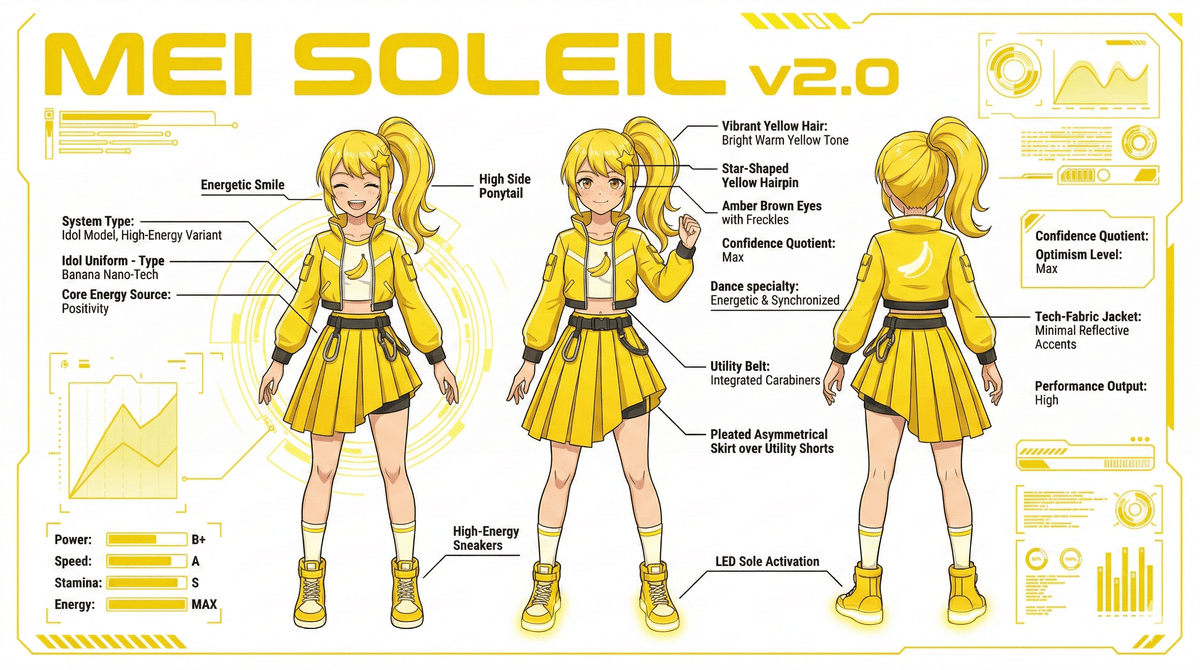
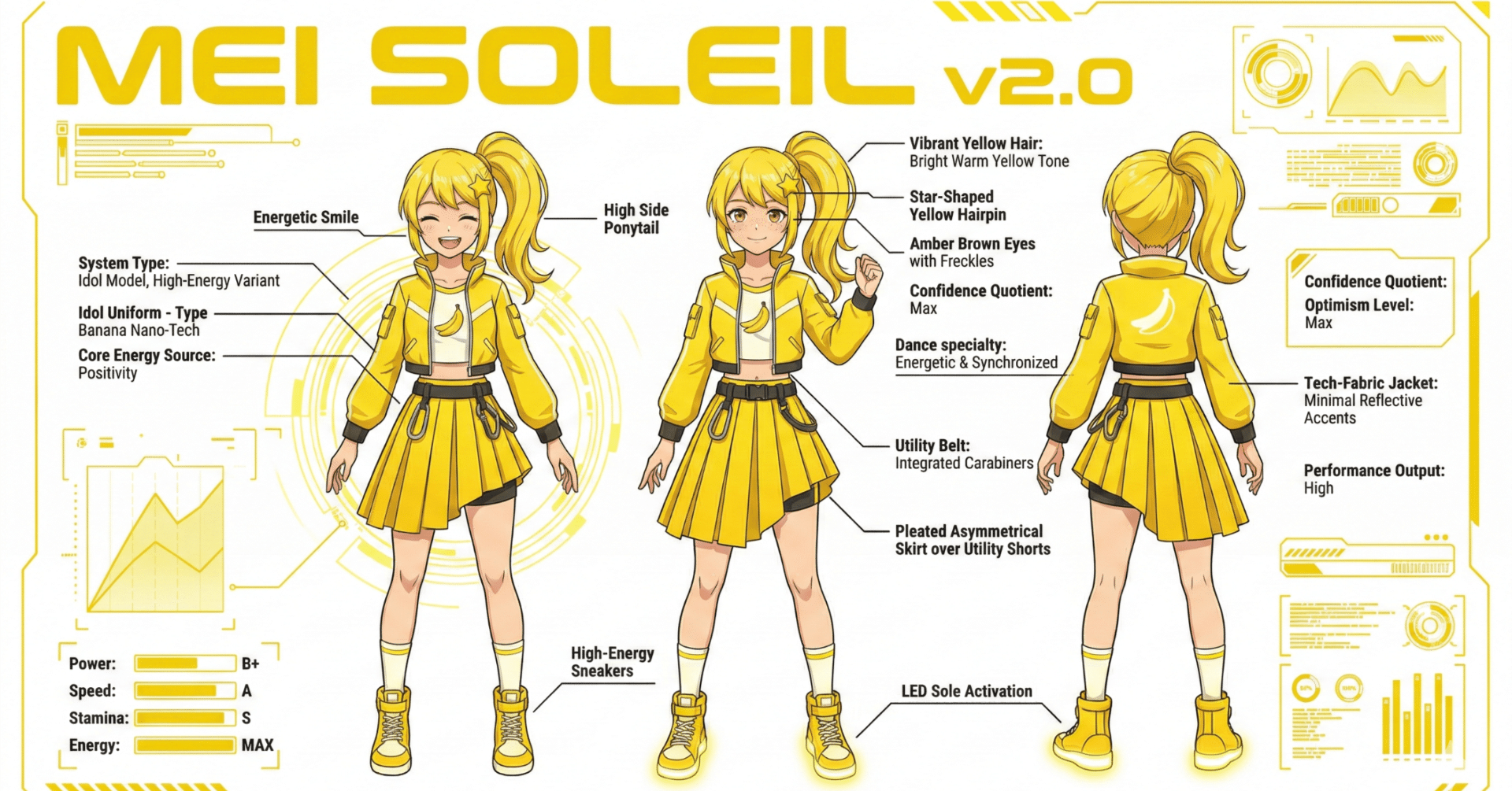
The accuracy of character depiction has exploded! Spelling mistakes have been reduced, and even text translation within images is a piece of cake. The multi-language support function was a hot topic even in the Pro version, but the ability to translate in a variety of Japanese fonts while maintaining the atmosphere of the text in the image is the strongest weapon for creators who want to broadcast to fans around the world! If I were to create Mei's infographic, what would the prompt be?
A futuristic infographic layout displaying the technical specifications of a yellow banana-themed anime idol girl named "Mei Soleil". The main text "MEI SOLEIL v2.0" is written in bold yellow futuristic typography at the top.Detailed technical schematics, labels with small legible text pointing to specific components like "Energetic Smile", "High Side Ponytail", and "High-Energy Sneakers".Clean UI design, plain white background with neon yellow accents, professional graphic design.
For Developers: Let's Run it on Google Colab!
Currently, access is mainly from the web version and mobile apps, but for when you can run it via API, I've written Python code for Google Colab (expected version)! I'm looking forward to ComfyUI support, and I'll share it first at the AICU Lab+ Study Session when that happens!
Google Colab
colab.research.google.com
https://colab.research.google.com/github/aicuai/GenAI-Steam/blob/main/Get_Started_Nano_Banana_JA.ipynb
Today, February 27, 2026, is Friday! It's raining, but I can smell a little bit of spring 🌸 Since the weekend is Premium Friday, let's all use this new "Nano Banana 2" to generate lots of images and have fun! When a new AI comes out, it's really exciting to try out which prompts work! Since it's confidential information, be careful how you handle it and secretly create the best visuals!
See you later! See you in the next AI news! This was Mei Soleil, the always energetic AiCuty image generation 담당~! Bye-bye! 👋💛
#AICU #AiCuty #NanoBanana2 #ImageGenerationAI #Gemini #GoogleAI